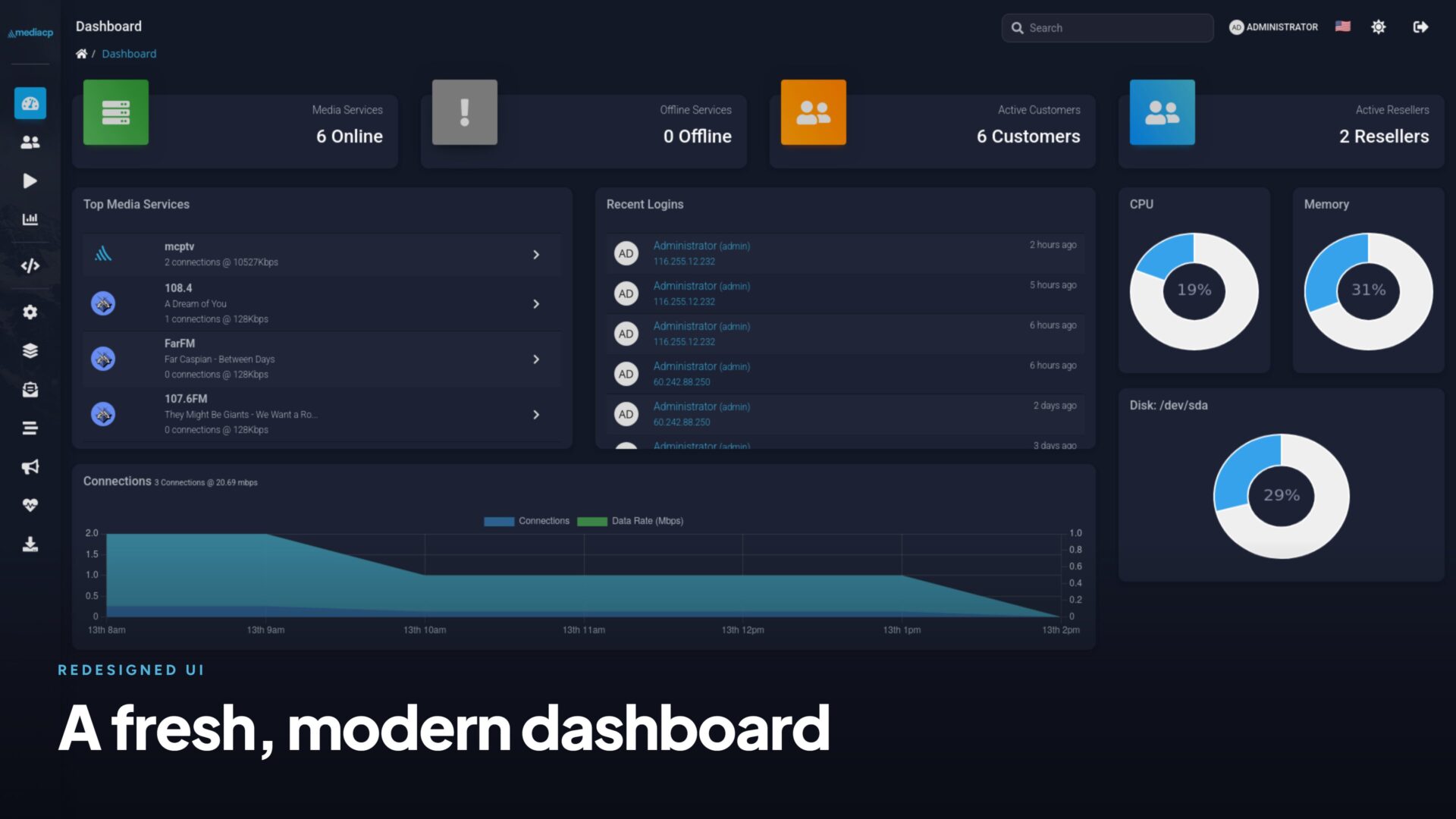
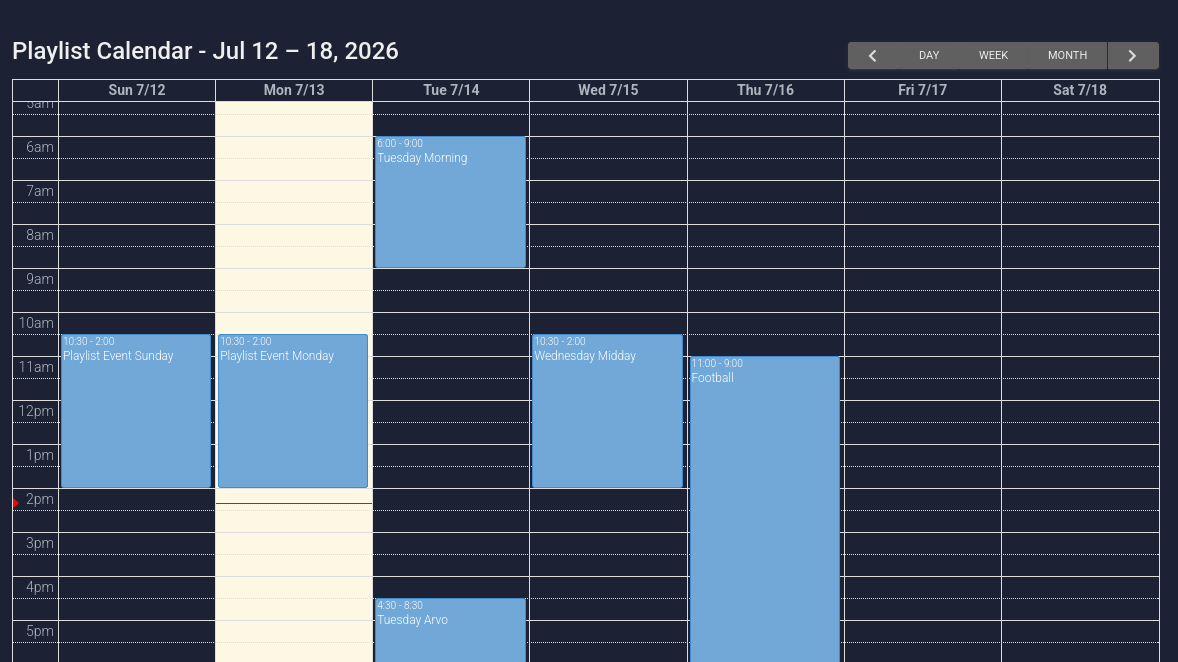
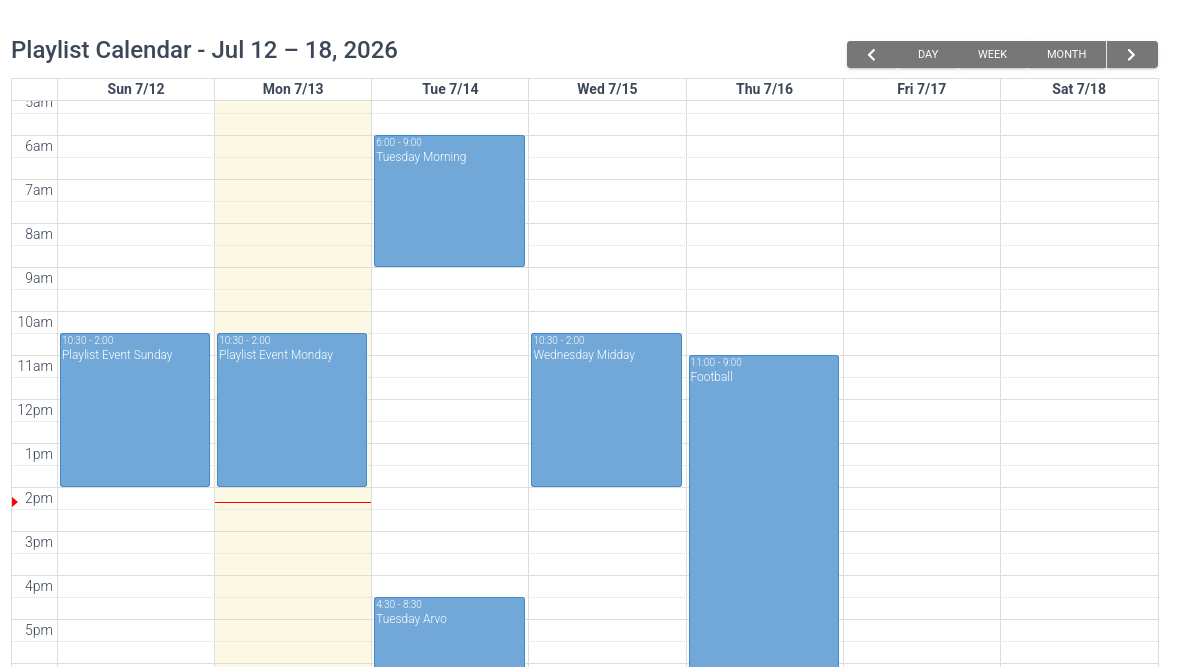
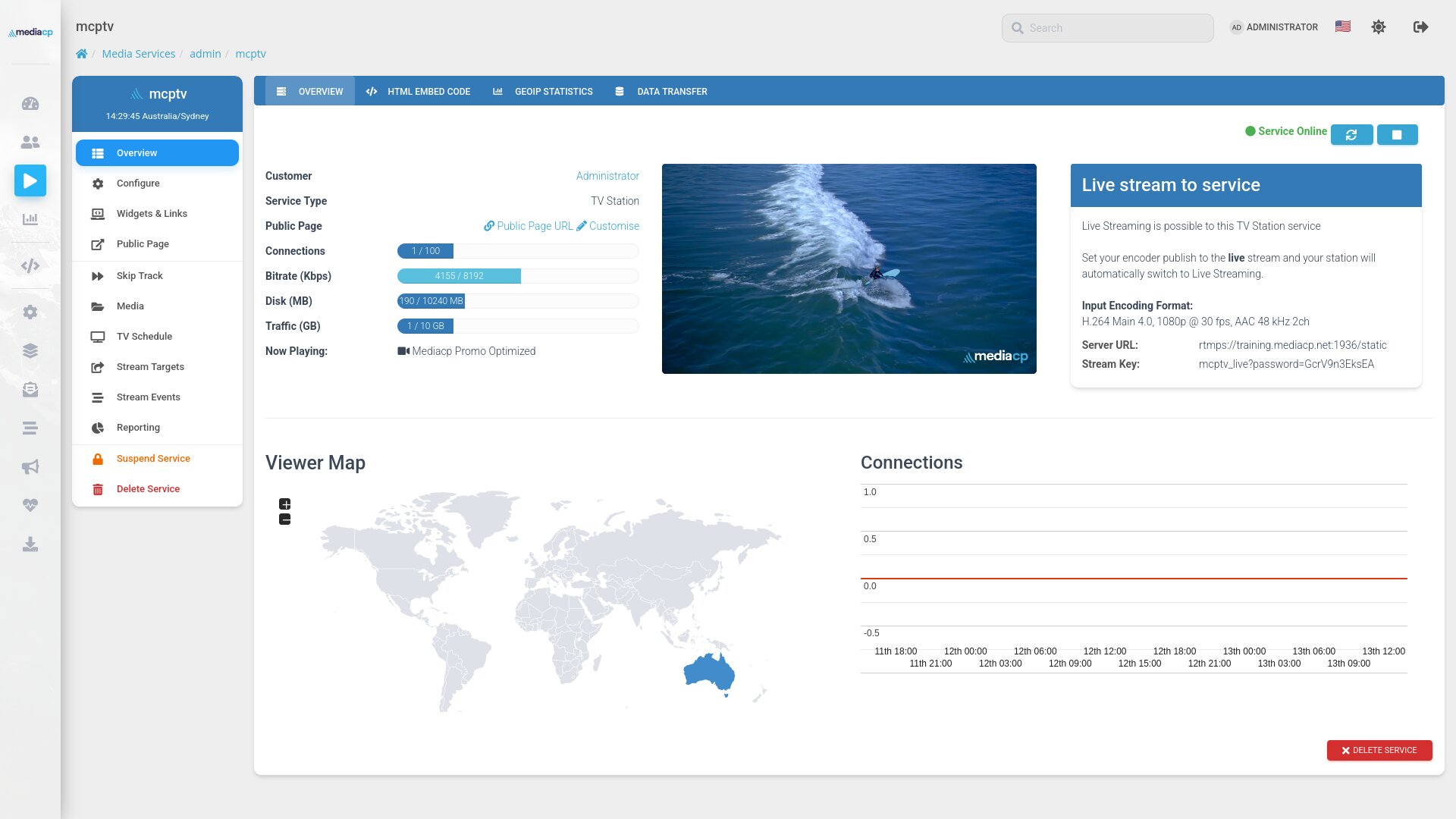
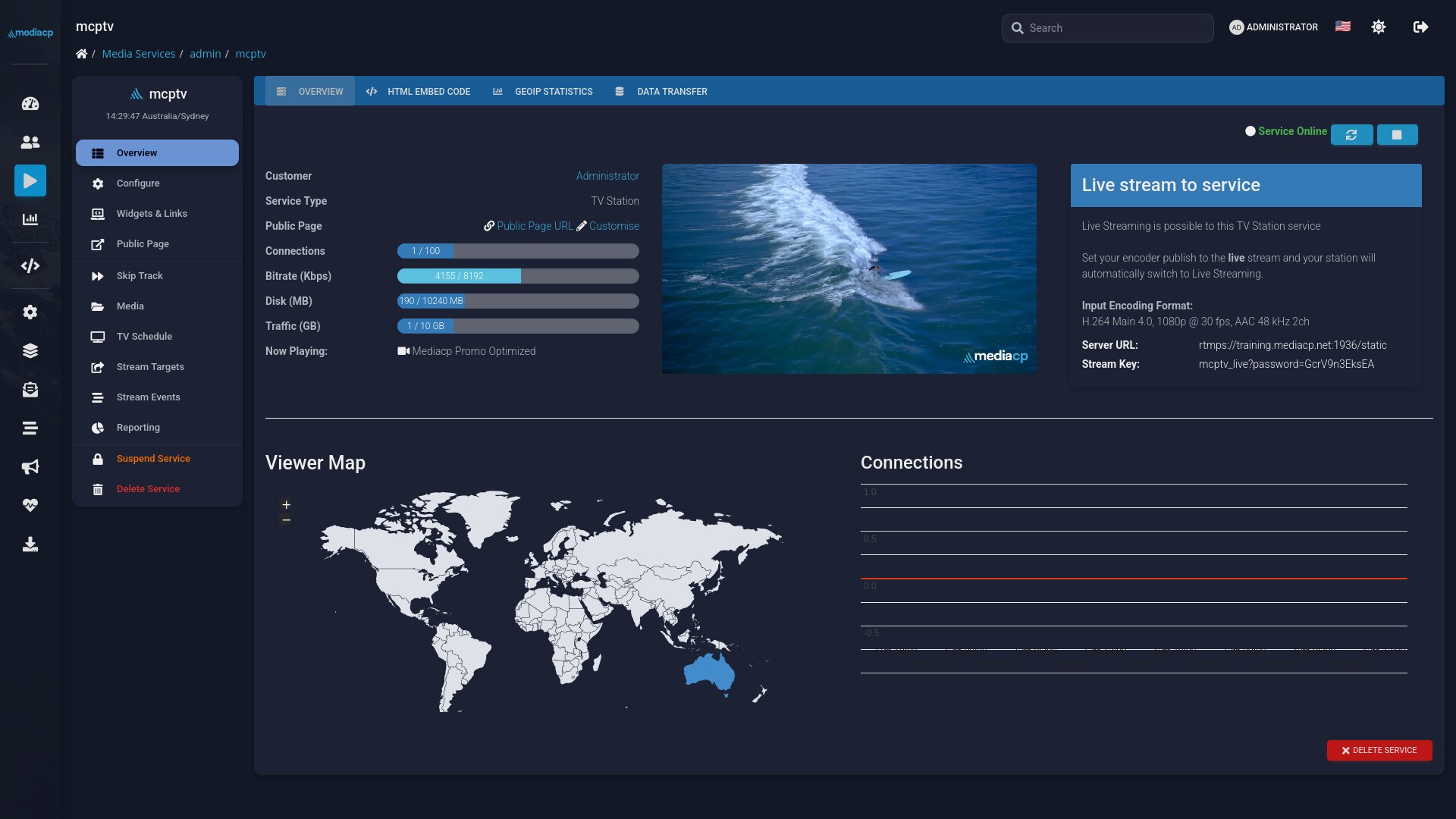
Video streaming has received a major upgrade with a strong focus on user experience and stability, especially relating to TV Channels. We’ve built a brand new video media manager, redesigned and upgraded interfaces, native YouTube integration, and Scheduled Relays for Radio Streaming.
Almost every screen in MediaCP has been optimized with a focus on working faster with fewer clicks, fewer page loads, and bulk actions where you used to work one item at a time, on any device you happen to be holding.
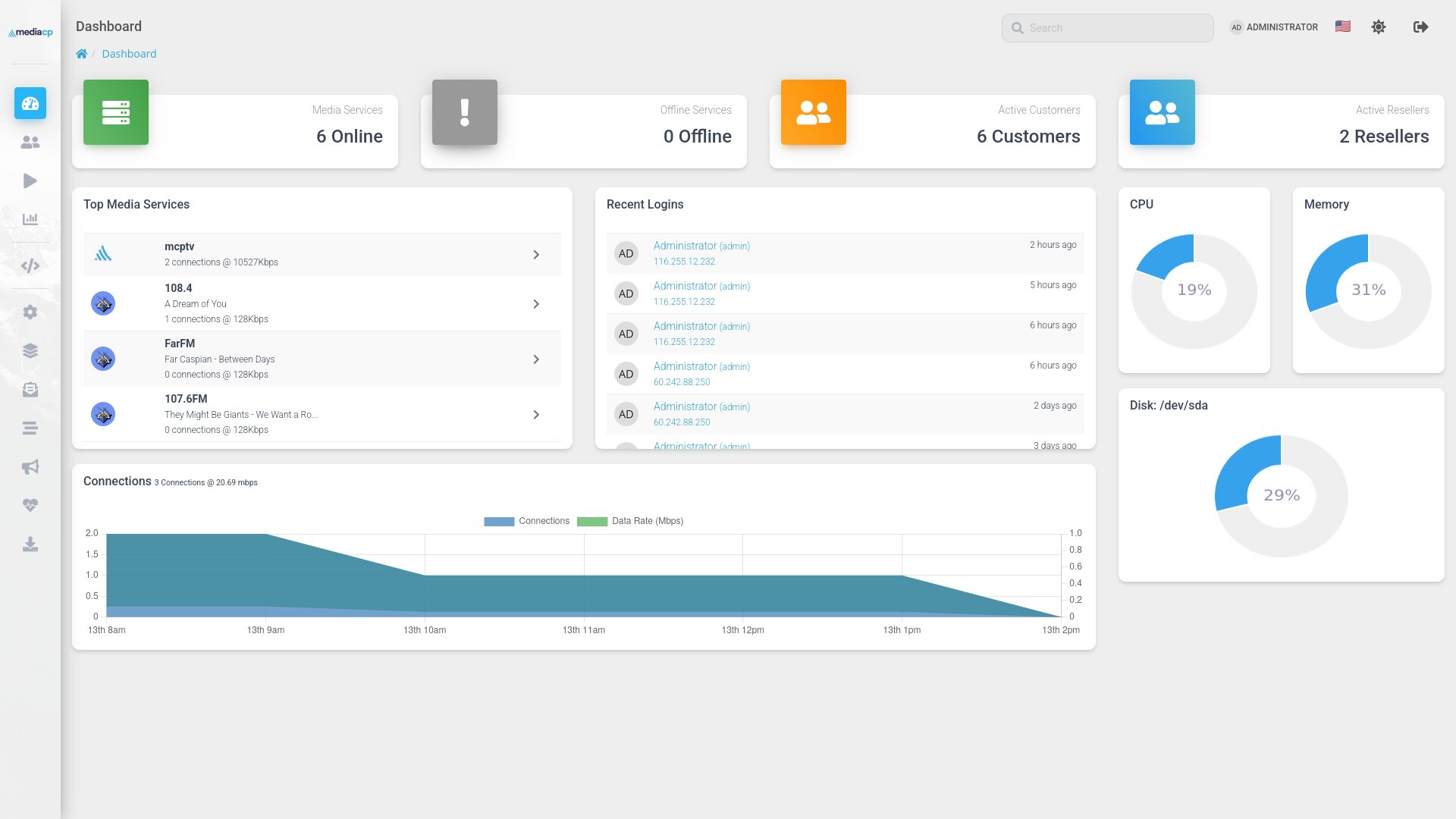
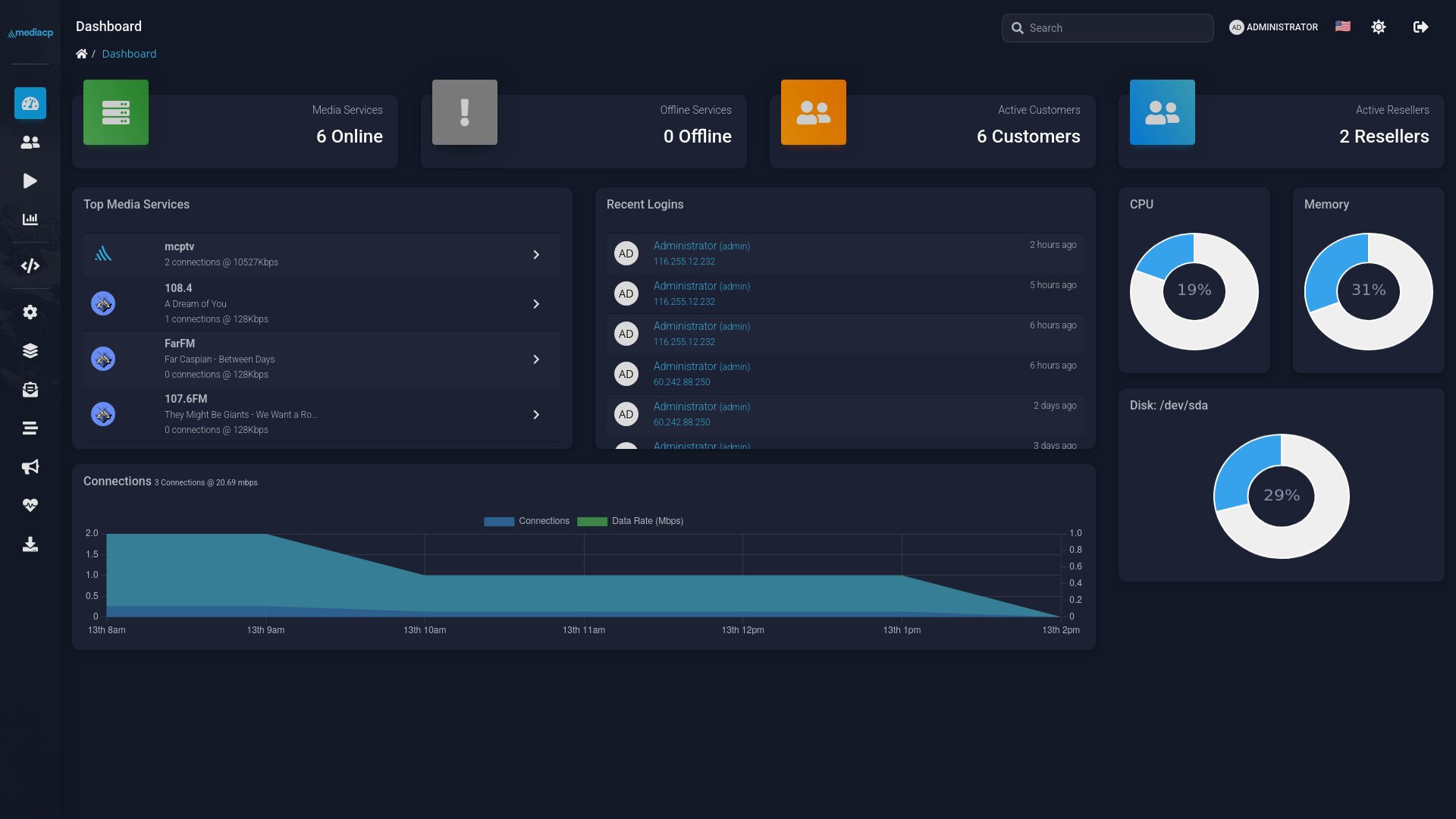
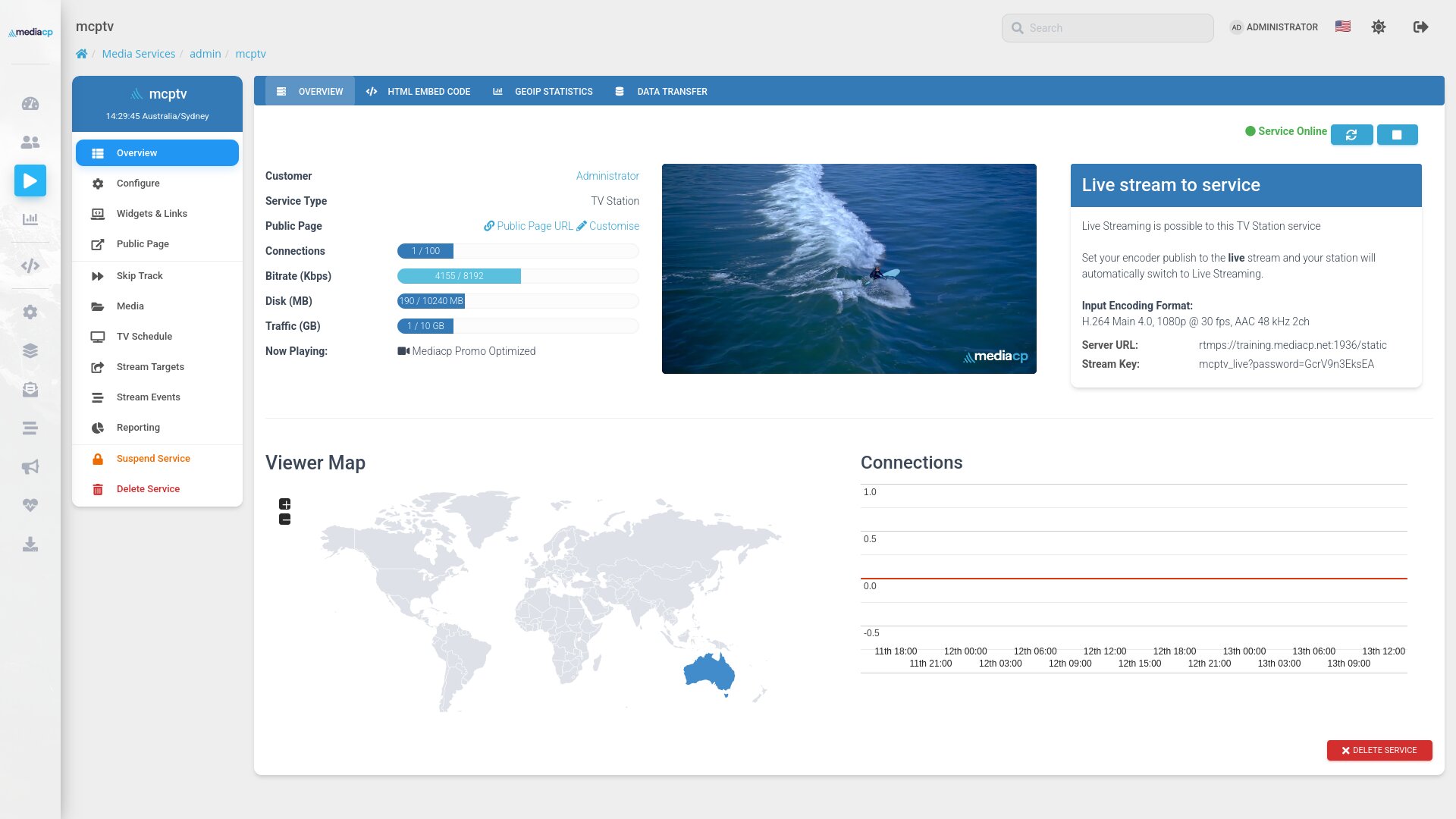
A cleaner, more modern panel throughout.
Updated typography, softer shadows and refined spacing make every page easier on the eyes and easier to scan.
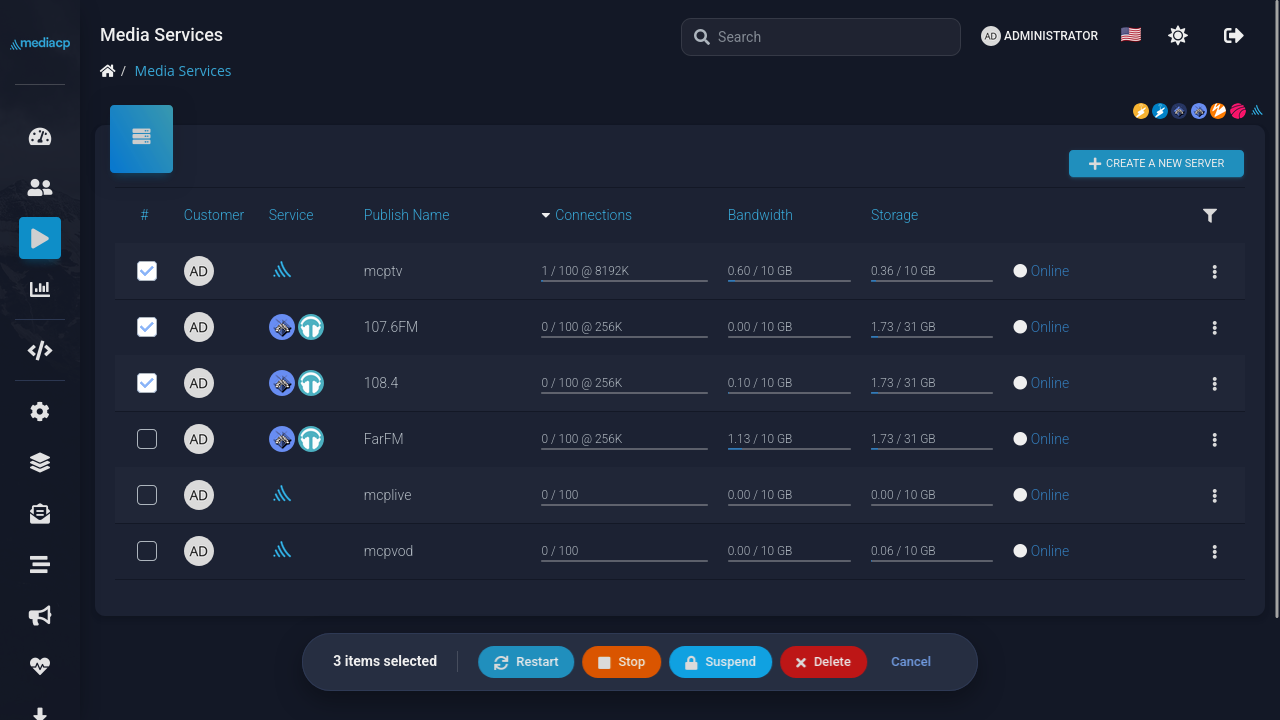
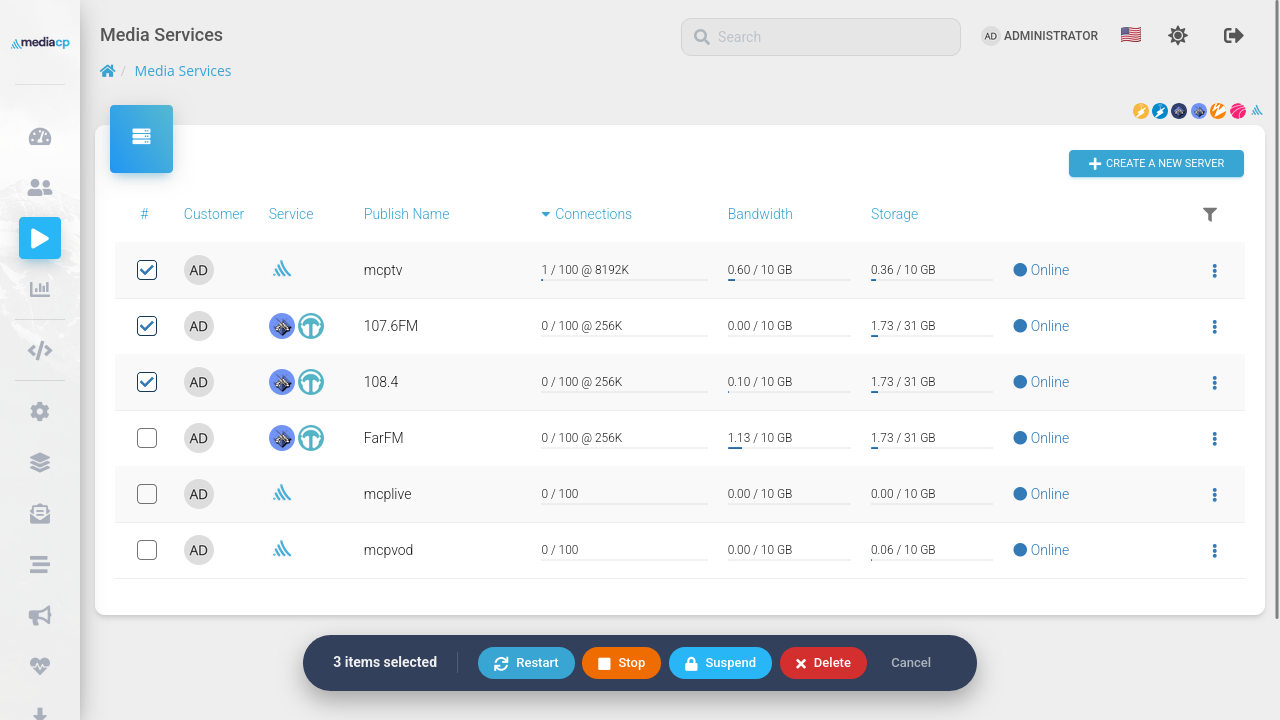
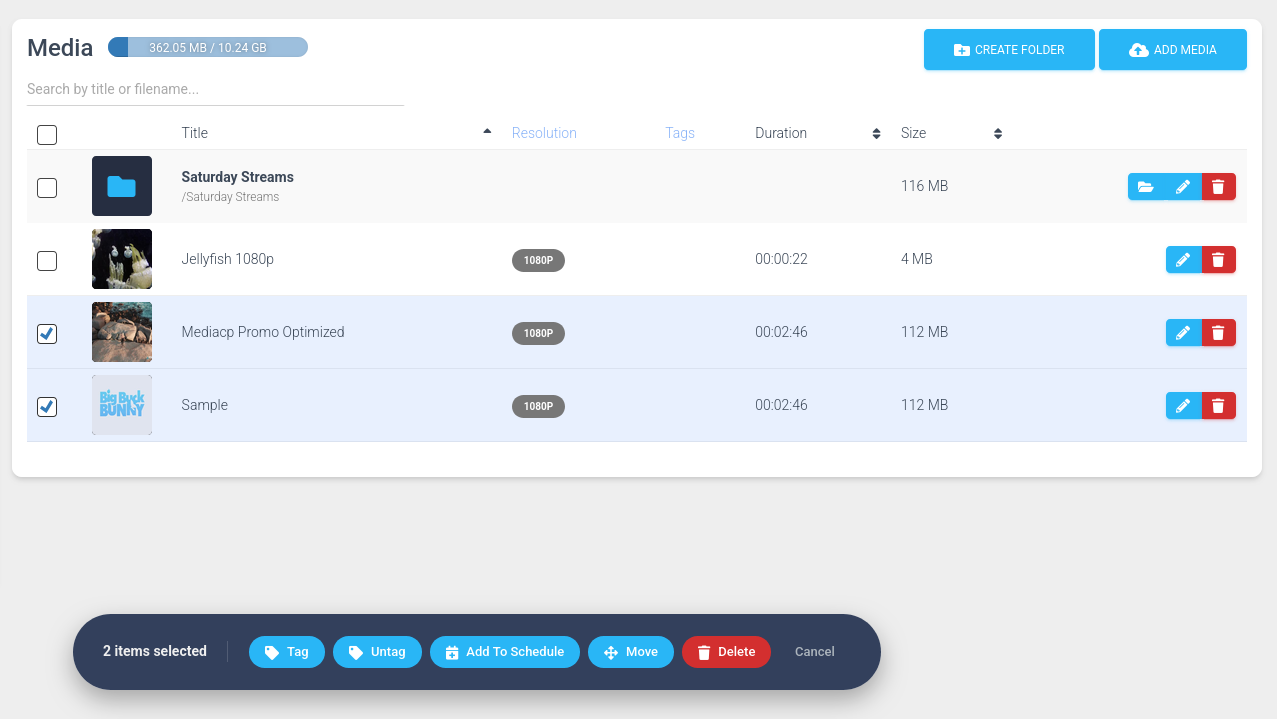
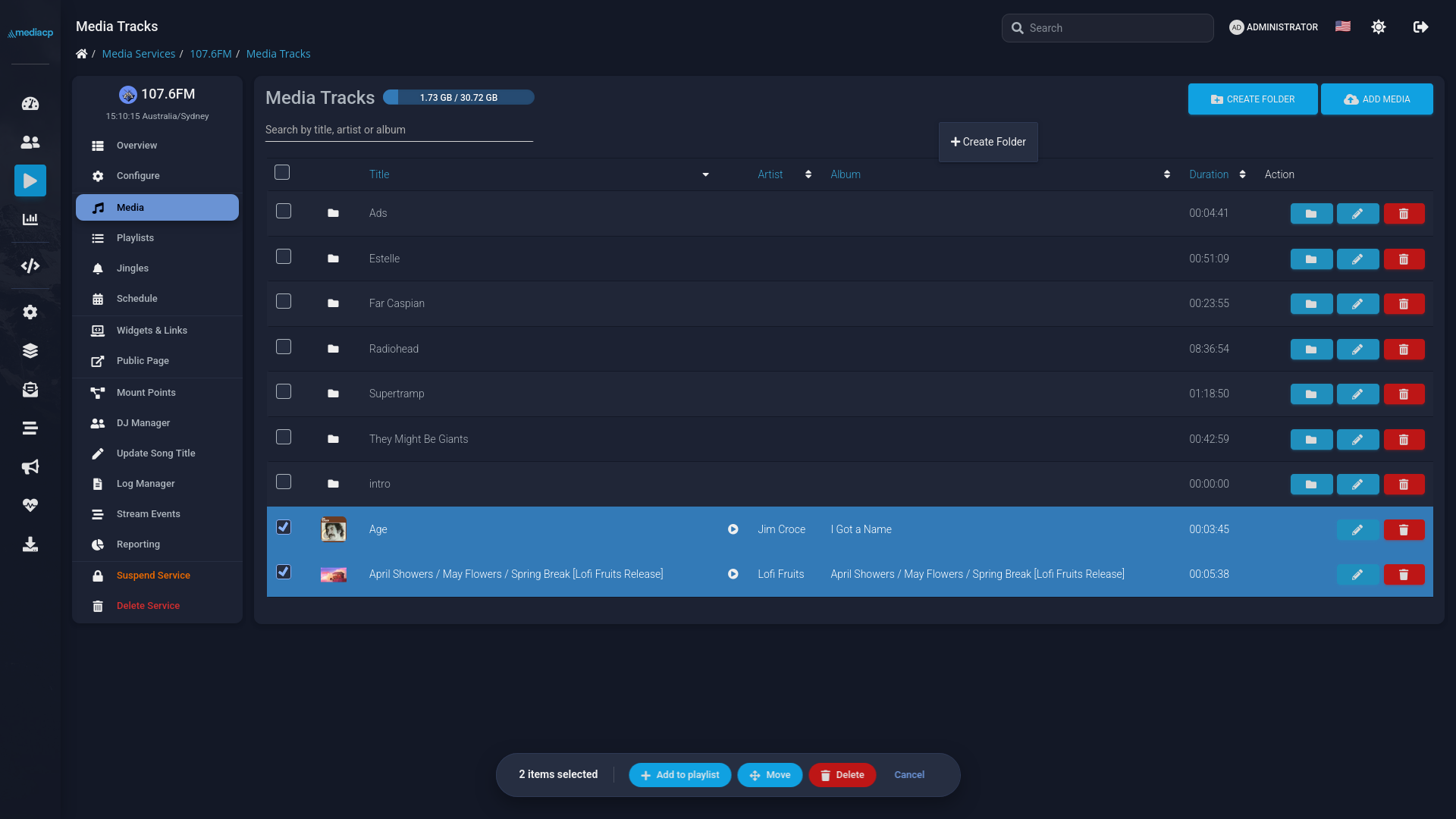
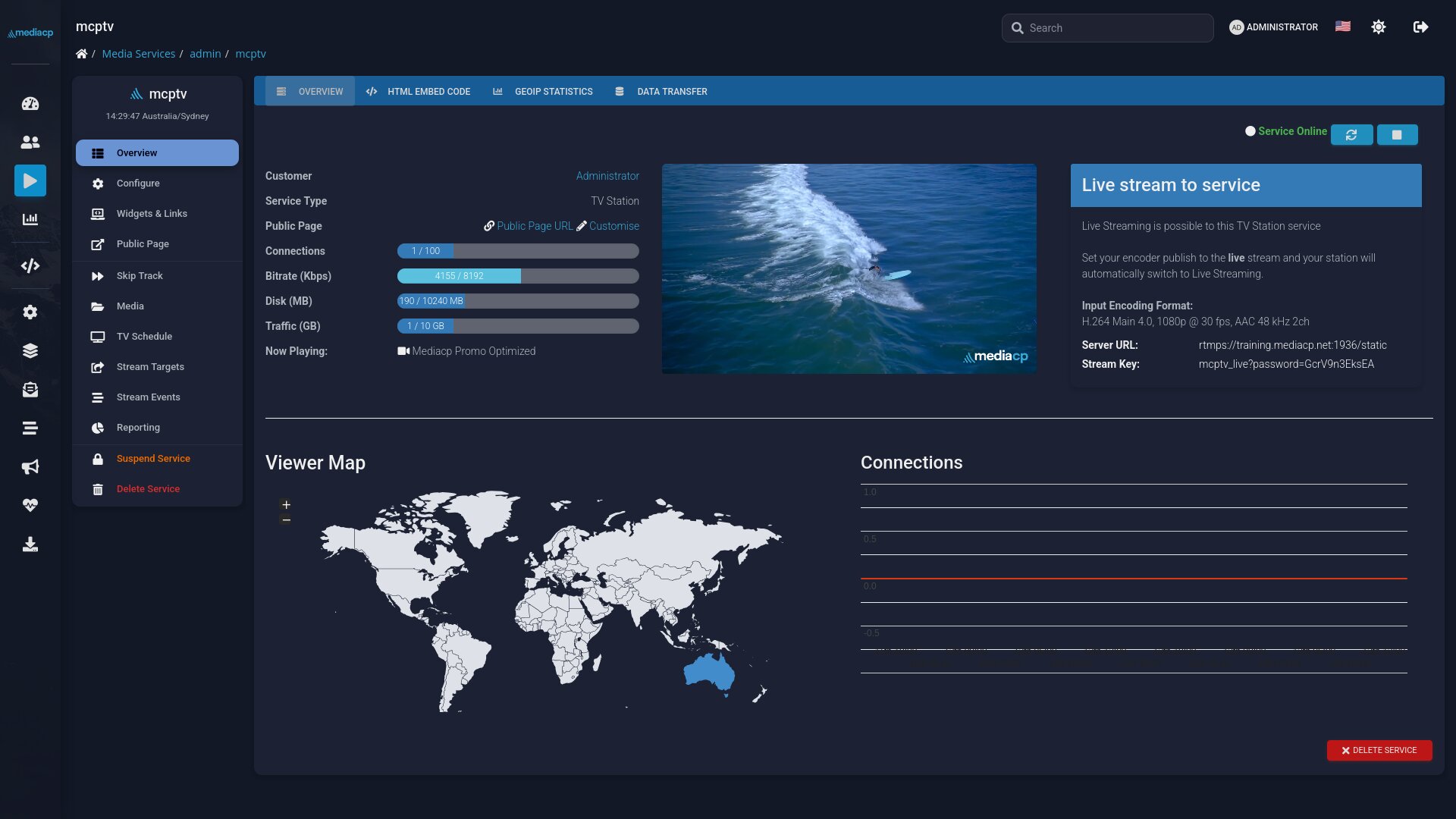
True dark mode with separate light and dark logos
Optimised Contrast for accessibility
Optimised Menus
Refreshed Tabbed Interfaces
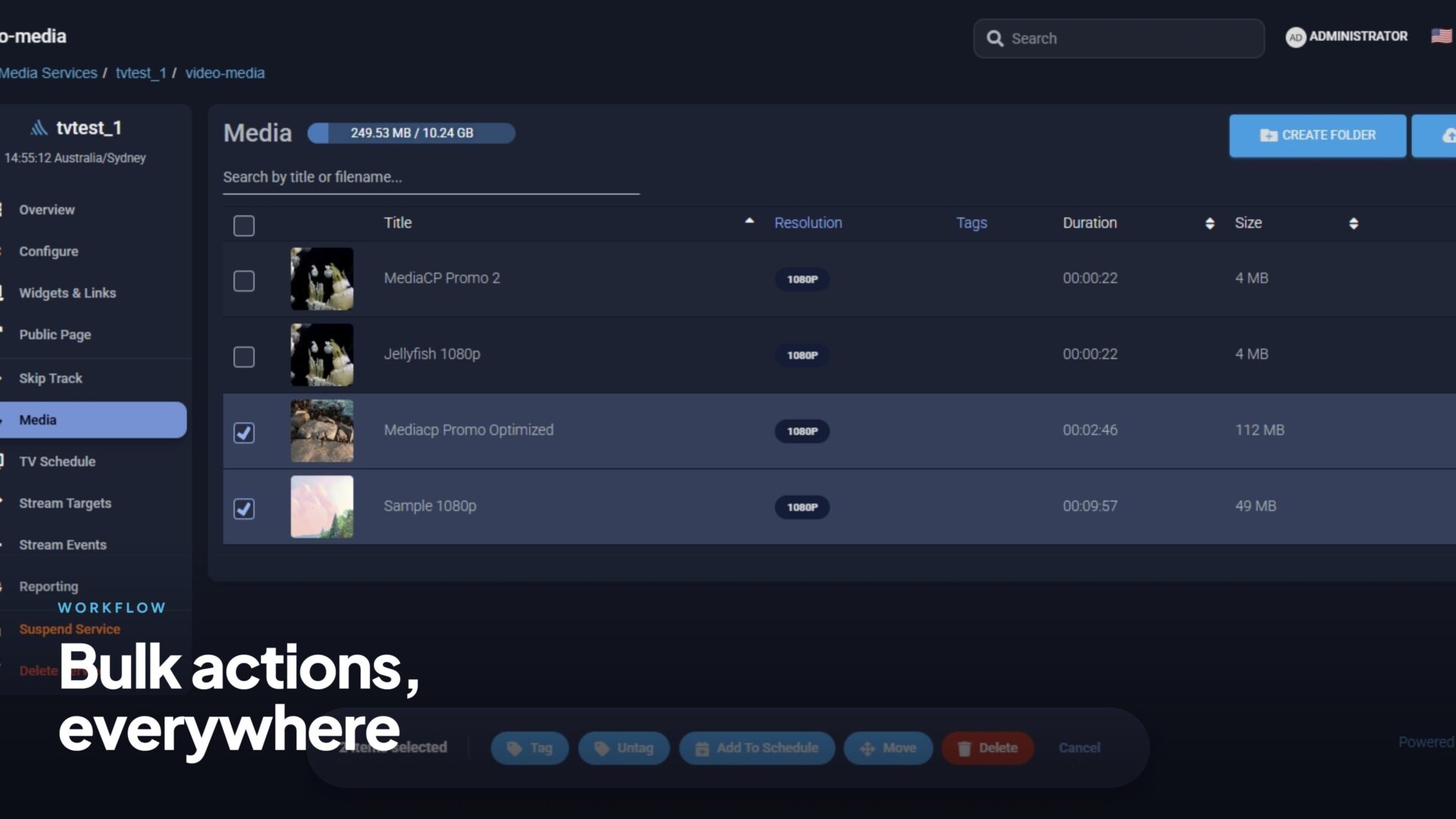
Stop managing one item at a time.
Redesigned customer, reseller and service listings put batch actions one click away.
Floating action bars across interfaces
Real-time status polling, no page refreshes
Instant Feedback
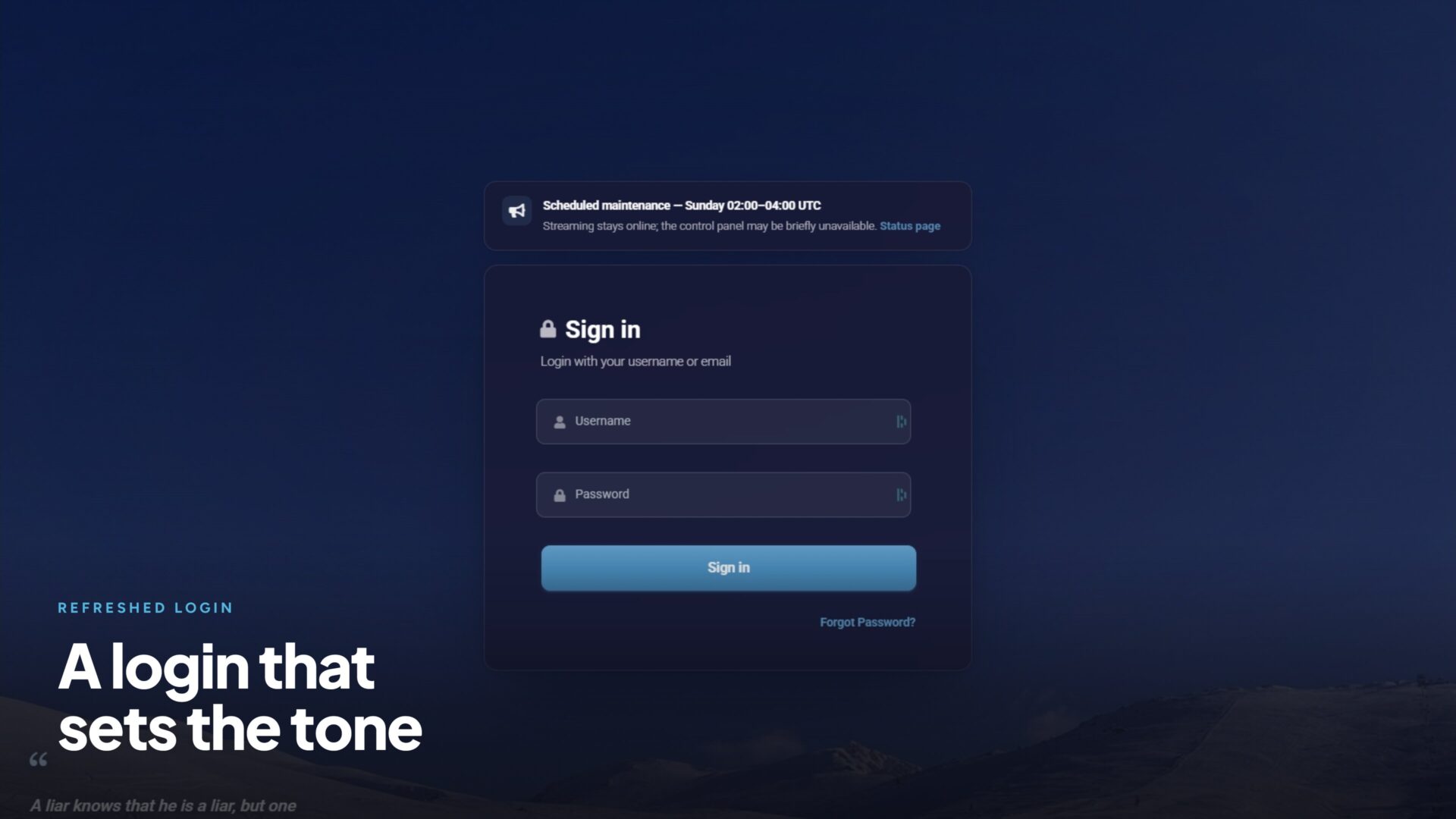
First impressions matter.
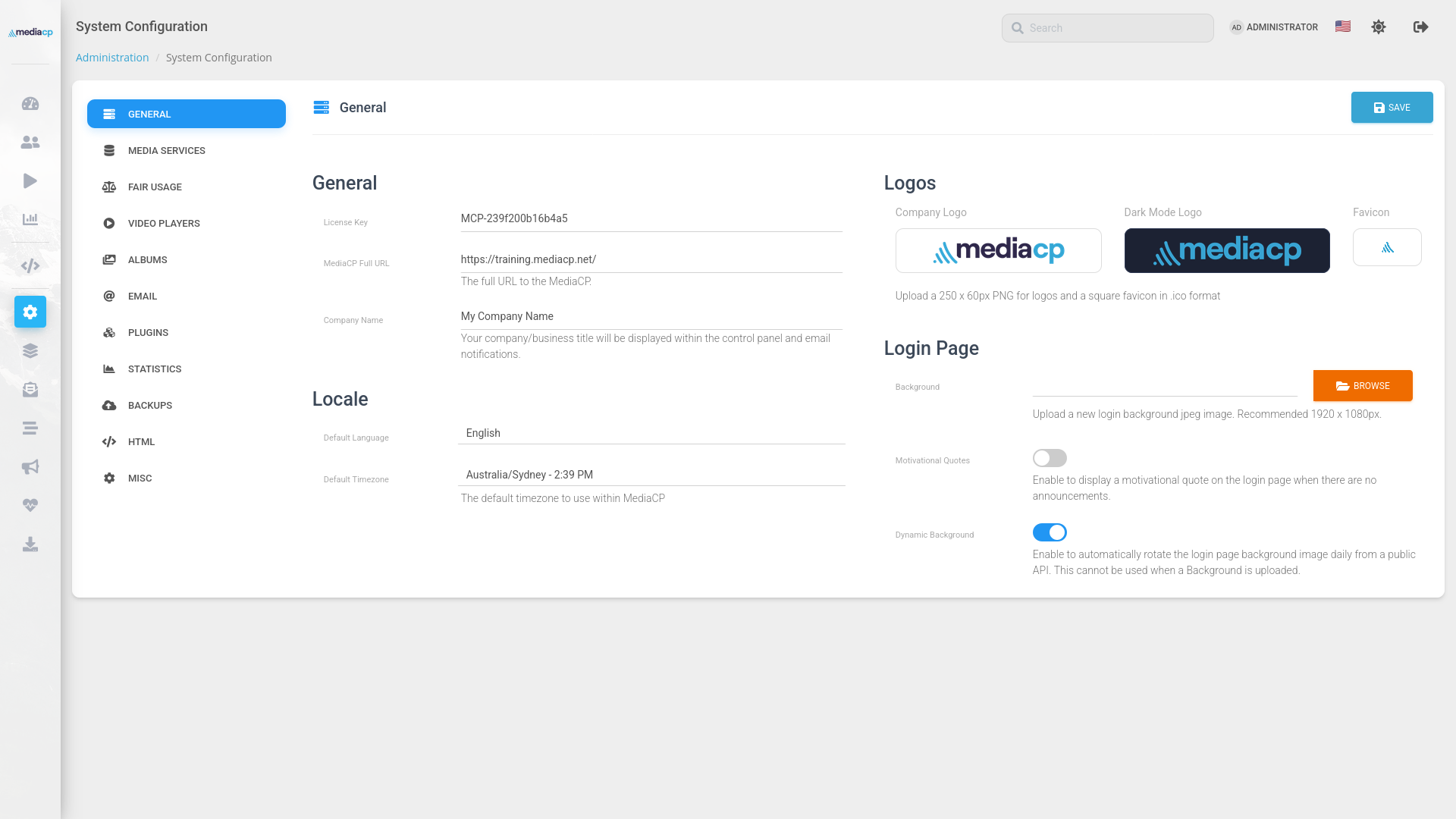
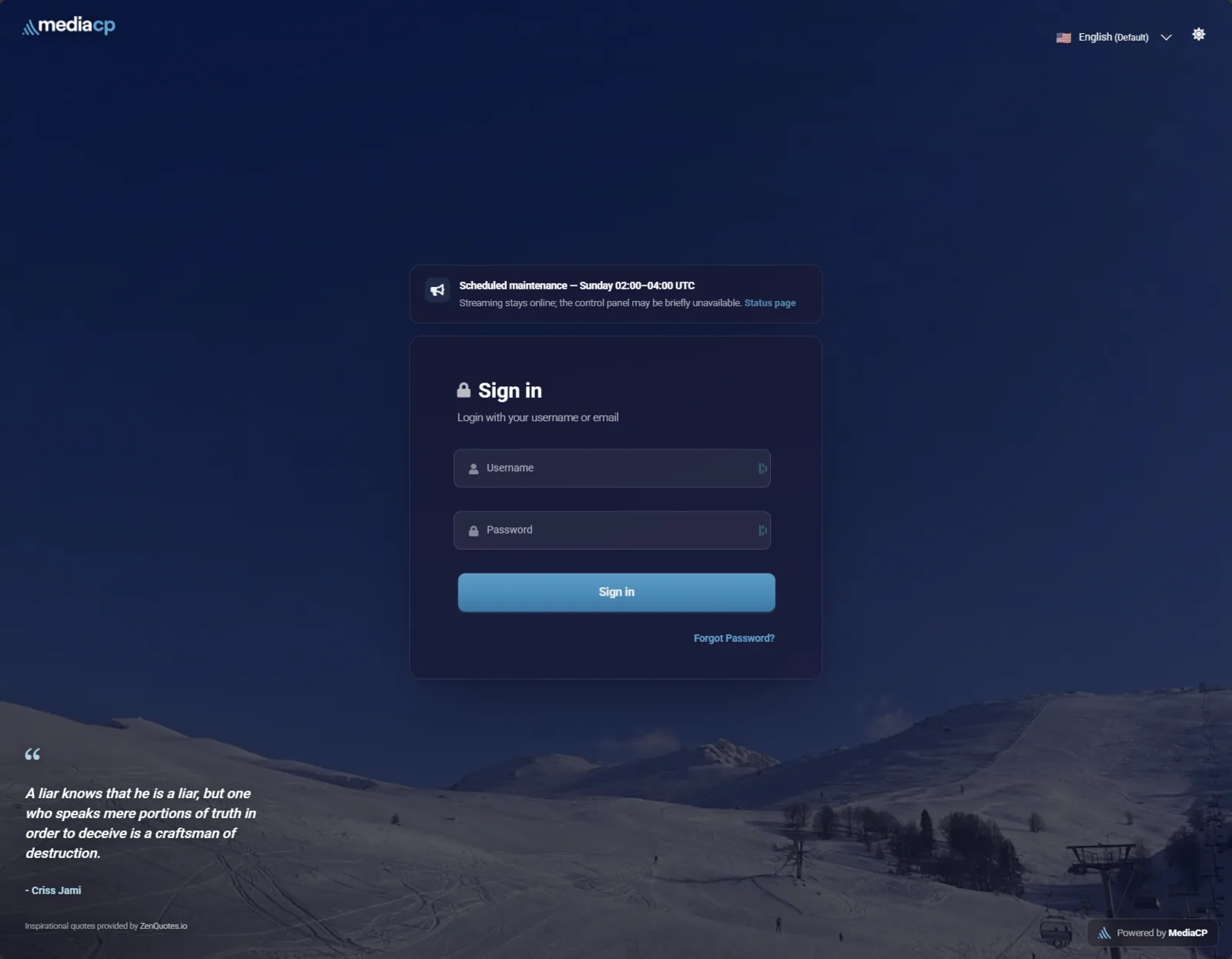
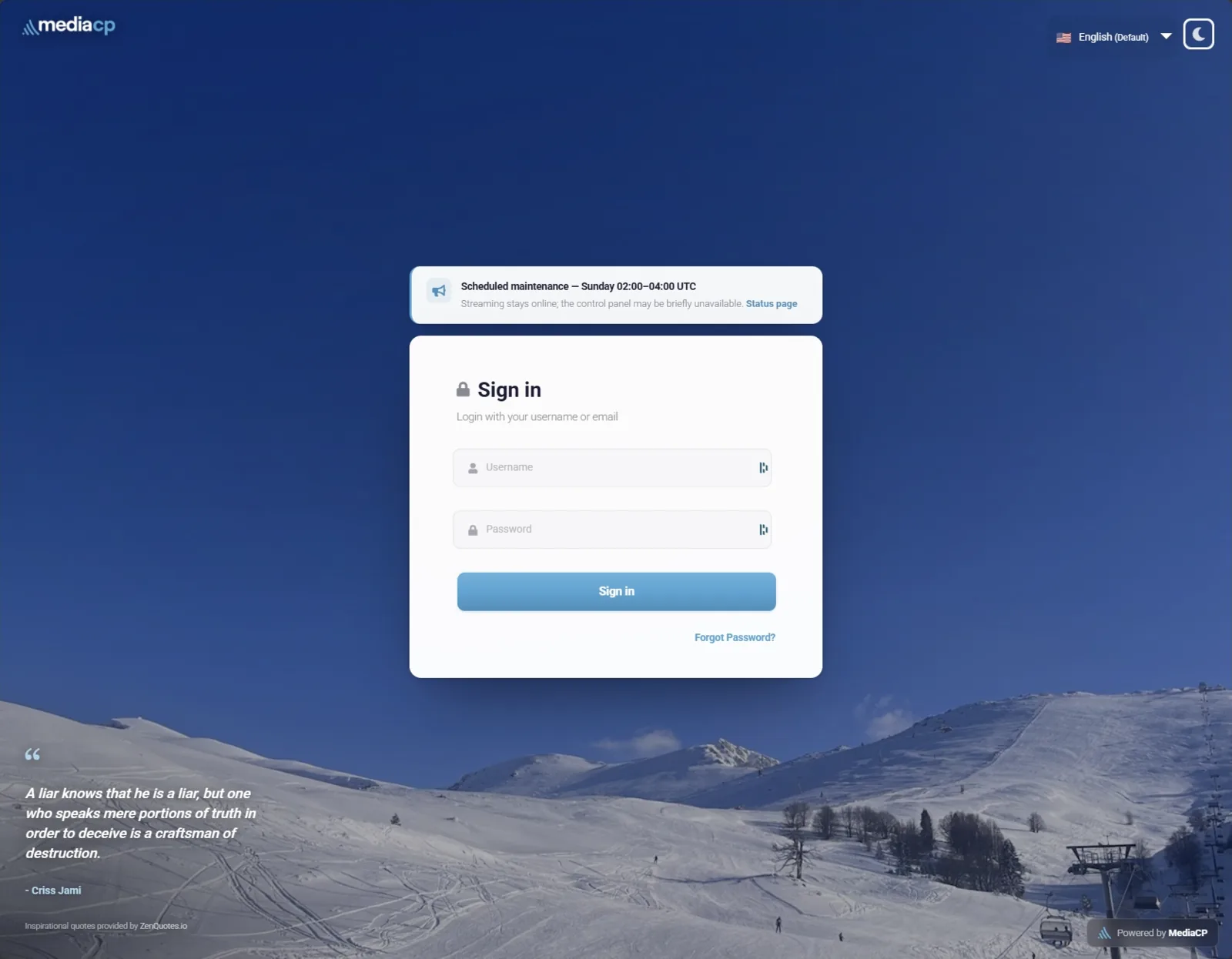
The login page now sets the tone with dynamic backgrounds (powered by Lorem Picsum), your own branding and a fresh quote to start the day.
Backgrounds are proxied through CloudFlare and MediaCP.net website for strict quality control and high performance.
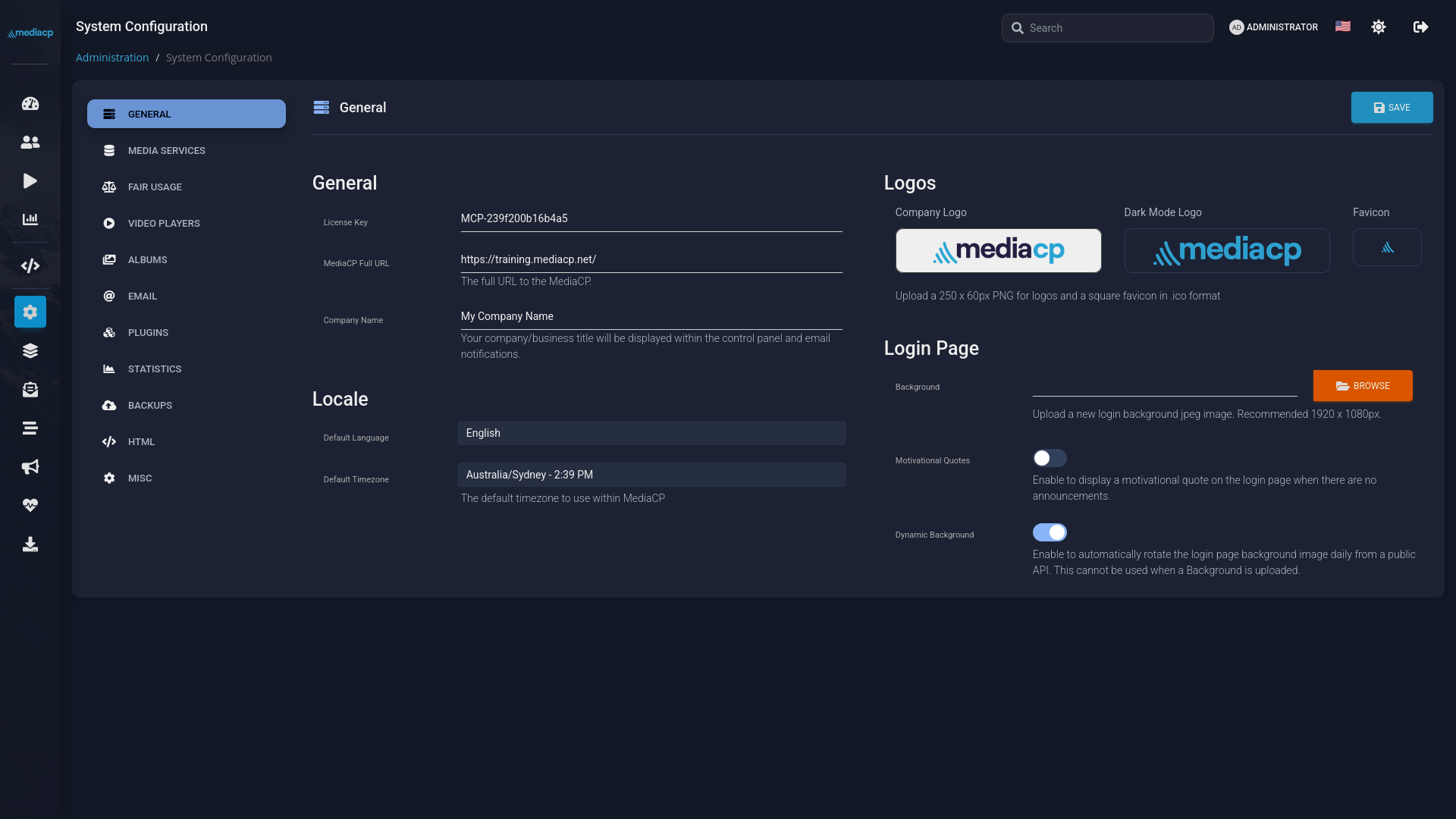
Optional Dynamic Backgrounds
Quotes from zenquotes.io
Refreshed Announcements
AI Integration
Your control panel, now AI-native
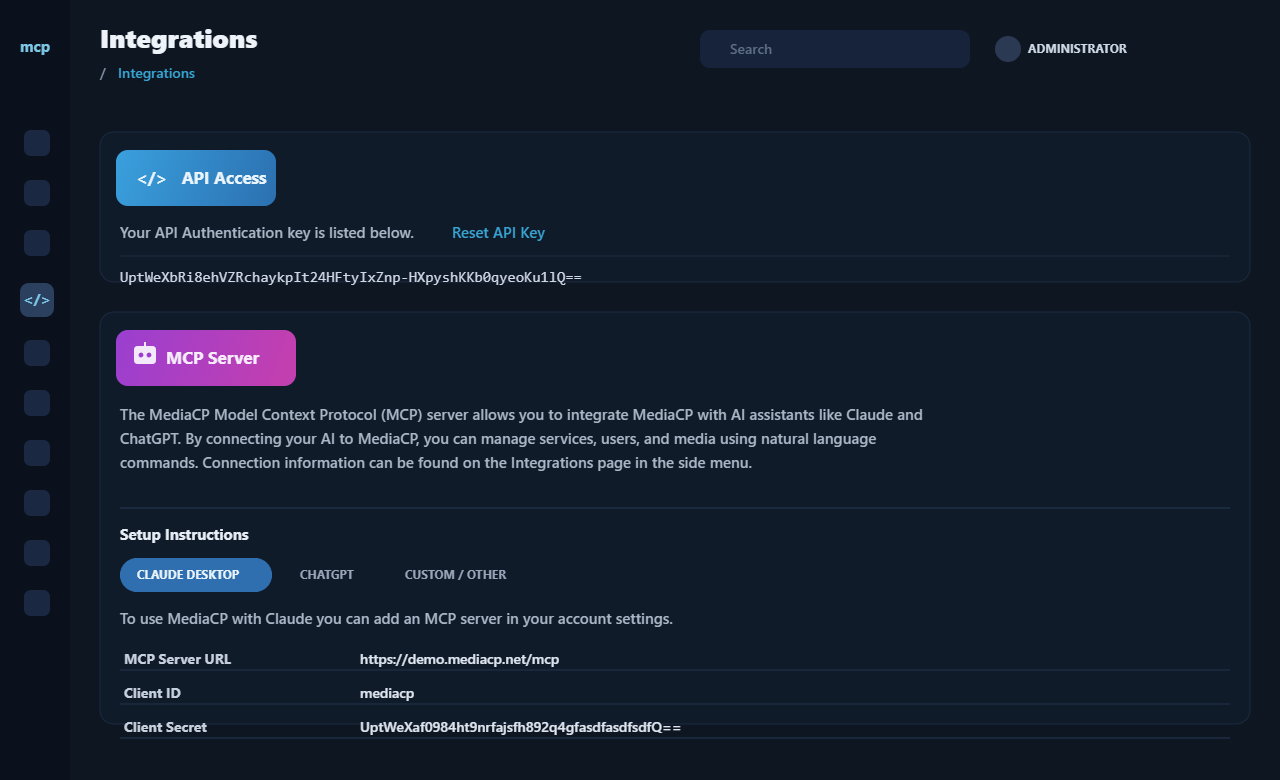
MediaCP 2.16 ships with a built-in MCP server, so AI assistants like Claude and ChatGPT can connect straight to your panel and work through the same API your team already uses. Turn it on platform-wide when you want the help, switch it off entirely when you do not.
An MCP server, built right in.
Connect a compatible AI assistant in minutes, with no middleware to build or maintain.
Ships with the panel, no extra plugins or external bridges
Works with Claude, ChatGPT and more
One platform-wide switch to turn the whole integration on or off
Program with data, not guesswork.
Put your listener and viewer activity to work, and hand the production busywork to AI.
Build and reshape playlists from real audience trends, like your most popular tracks
Adjust playlists on the fly as listening and viewing shifts
Generate jingles and ad spots, and pull in audio or video from external sources
Operate radio and video by conversation.
Provision, publish and troubleshoot across your platform without clicking through pages.
Provision new radio and video services, and publish announcements in seconds
Troubleshoot a station by reading back its play history
Monitor now playing, listeners and viewers, and manage stream targets when numbers move
Media Manager
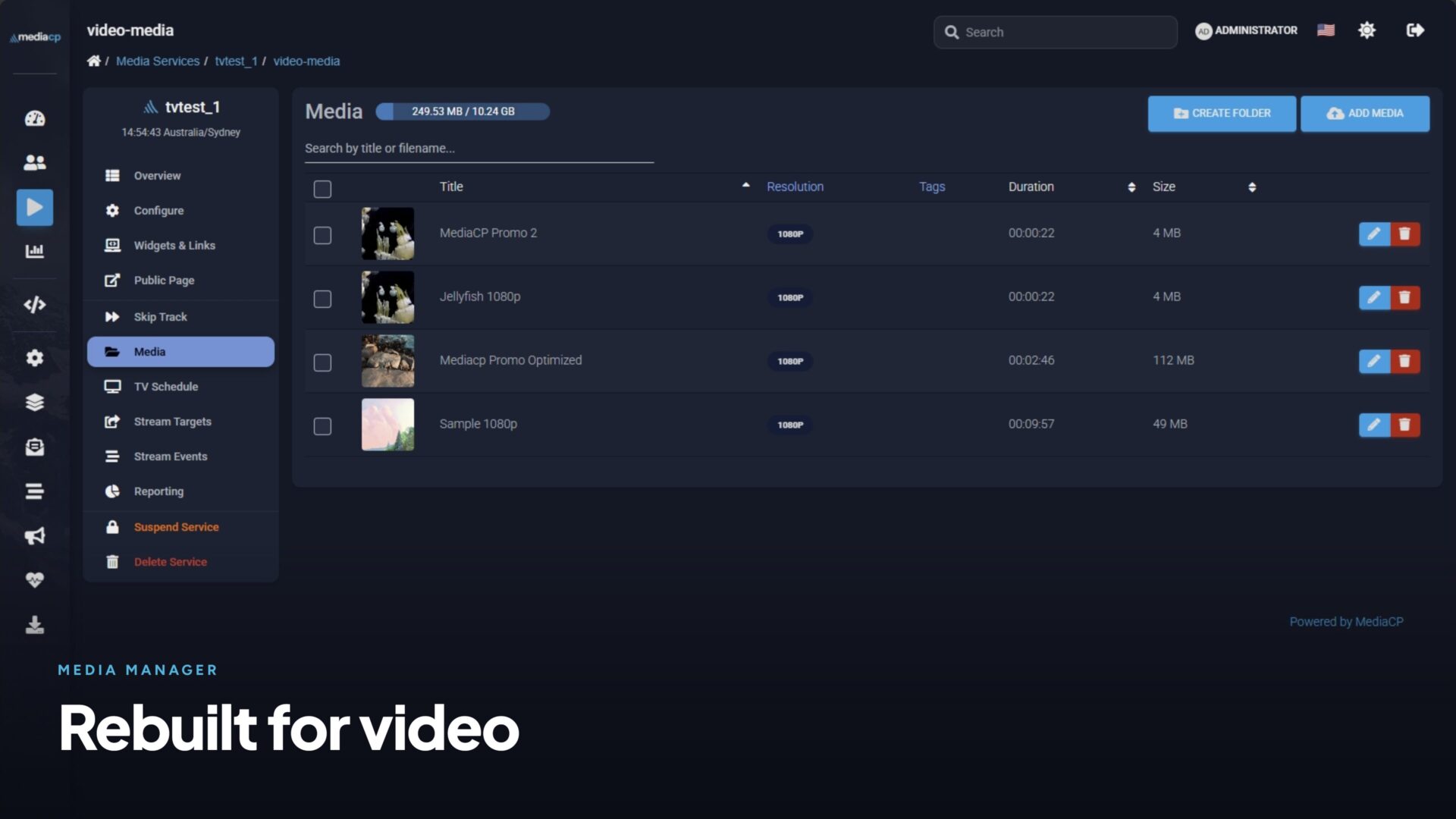
The media manager, rebuilt
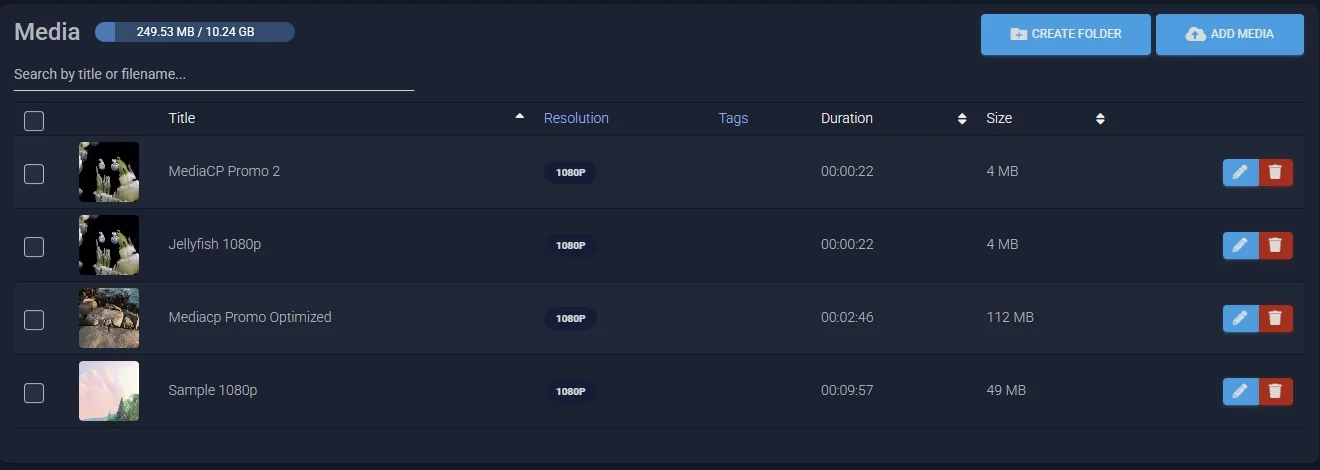
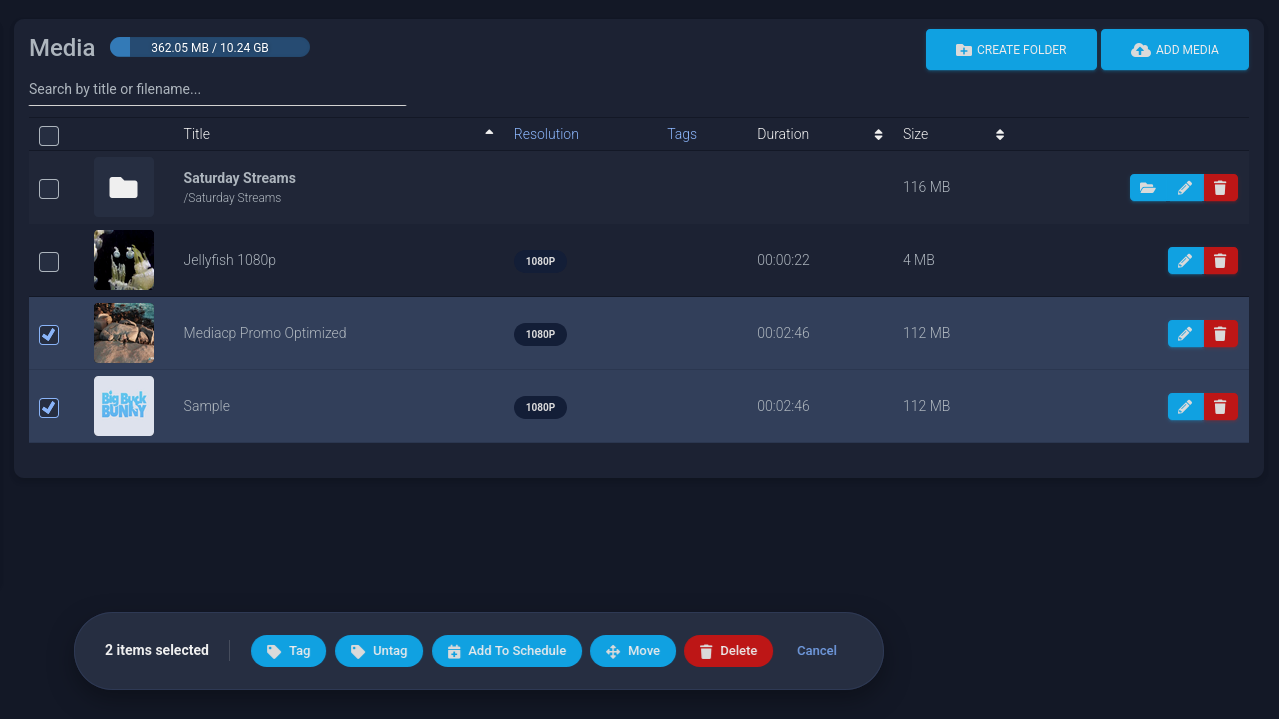
Media management for video services has been completely rebuilt, and the audio manager upgraded to match. Add media direct to playlists and schedules from the media manager. Both now share one consistent, purpose-built experience for broadcasters.
The legacy file manager is gone.
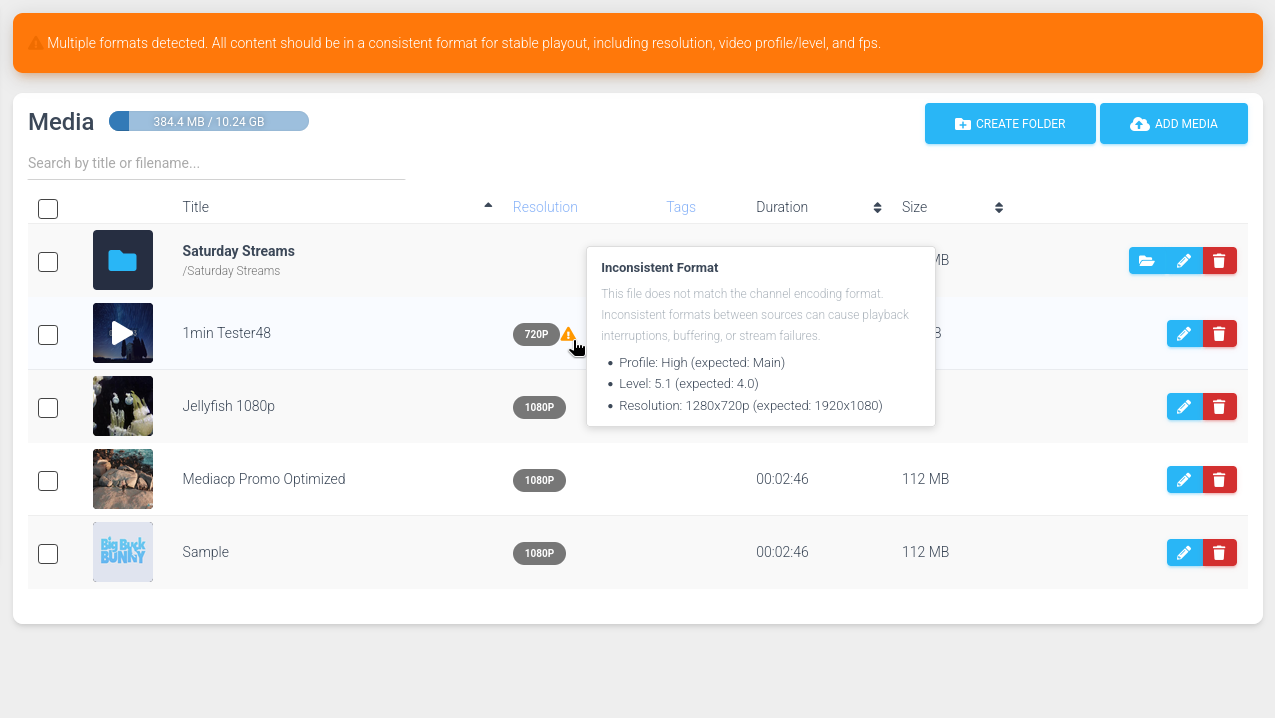
Organise your library with folders for TV services, edit titles, replace thumbnails, and see resolution at a glance.
MediaCP Video now includes full support for sub-folders to manage large libraries.
Video Playlist Builders updated
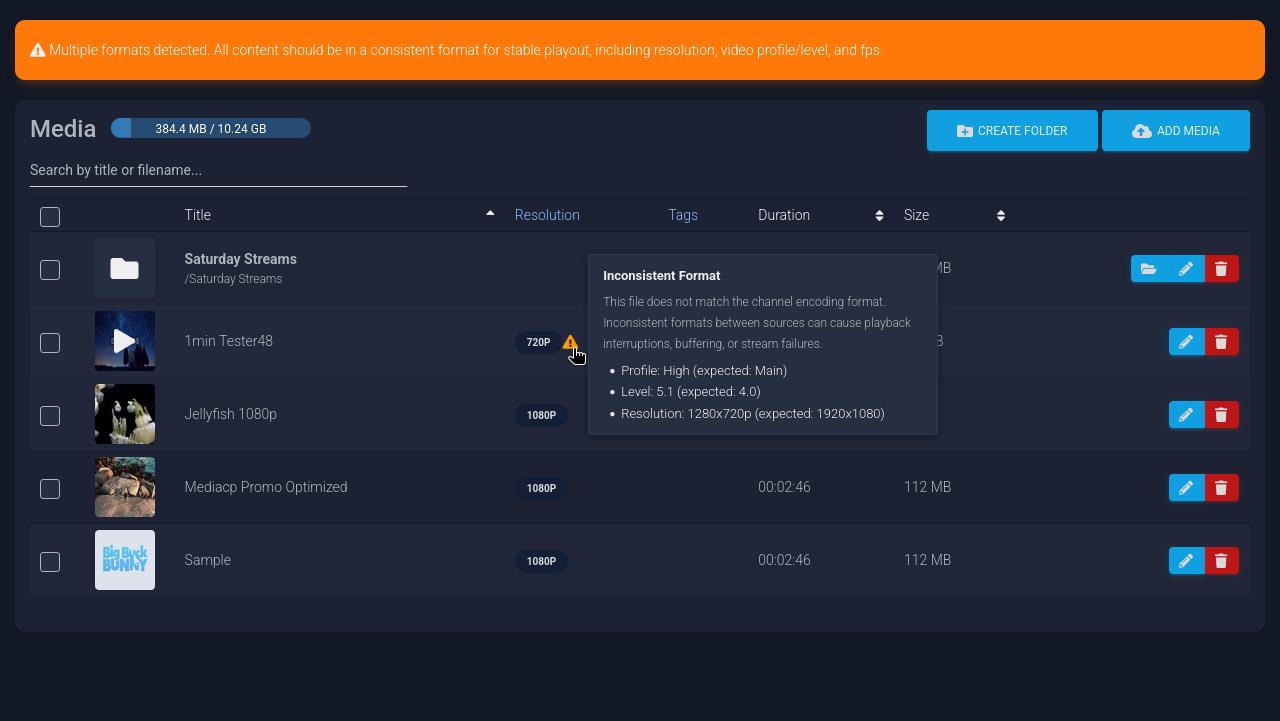
Quick view track information playlist builder
Full video format information available
Add tracks directly to playlists and schedules with the Quick Action Bar
Drag and drop uploads of any size, search and filter, right-click context menus
The same modern experience, tuned for radio.
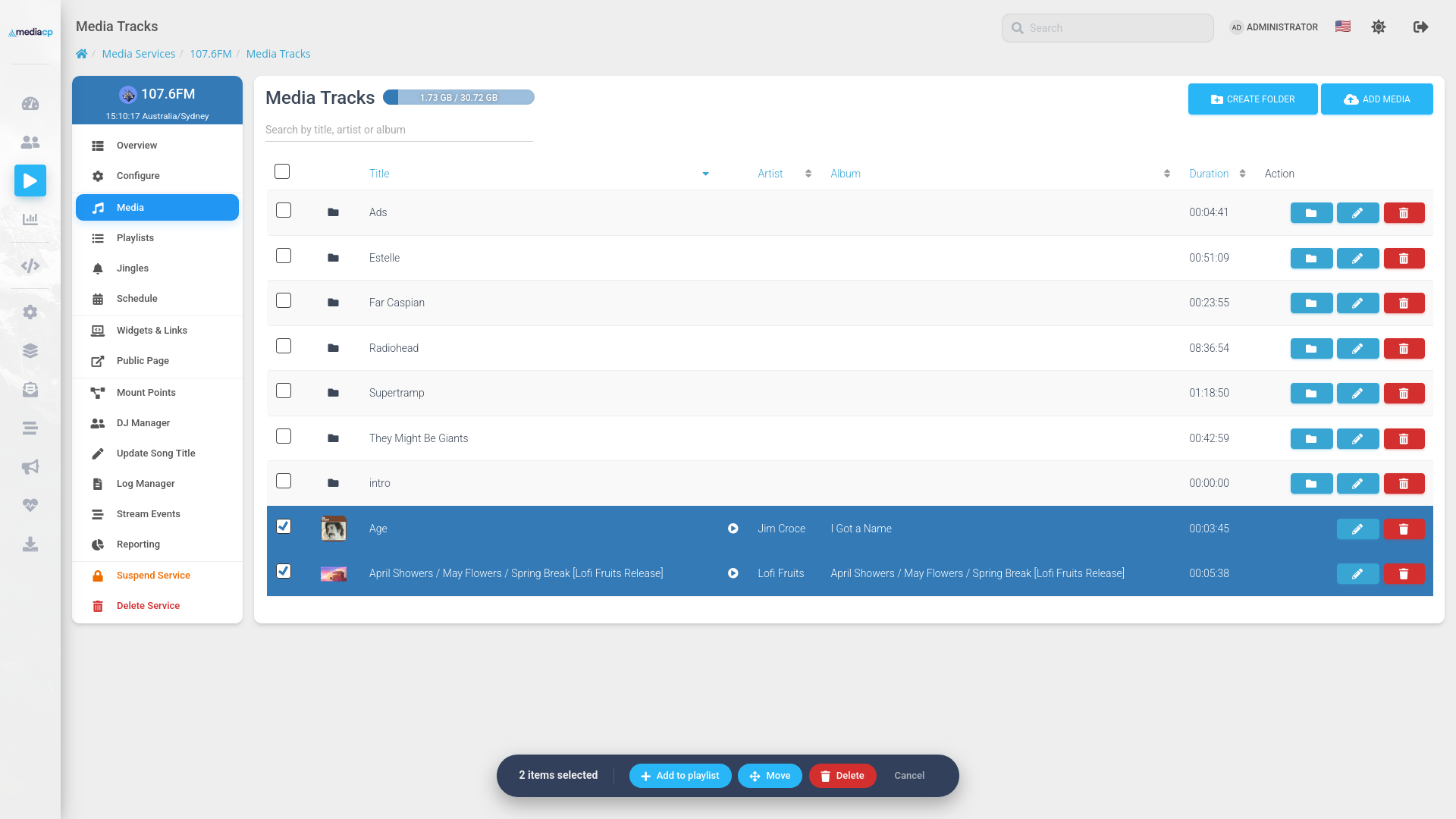
Improved audio media manager with quick action bar, playlist-aware deletion and confirmation, Select in bulk and act in one click, with a storage bar that shows exactly where you stand.
Add tracks to Playlists & Jingles directly from Media Manager
Bulk move and delete with playlist-aware confirmations
Chunked transfer for tracks of all sizes
TV Stations
TV streaming you can trust
We’ve rebuilt how TV channels stream. The result is the most stable TV Station experience MediaCP has ever shipped, with or without encoding. Switch between live encoders and AutoDJ without a hiccup, use less server power, and trust that your channel stays on air.
The entire streaming pipeline has been rebuilt for stability.
Faster start-up with no more fragile hand-offs between processes. When combined with transcoding, there’s no need to worry about format differences between media or live encoders.
Seamless switching between live DJ and AutoDJ
Fewer interruptions, lower server resource usage
Stable with or without encoding
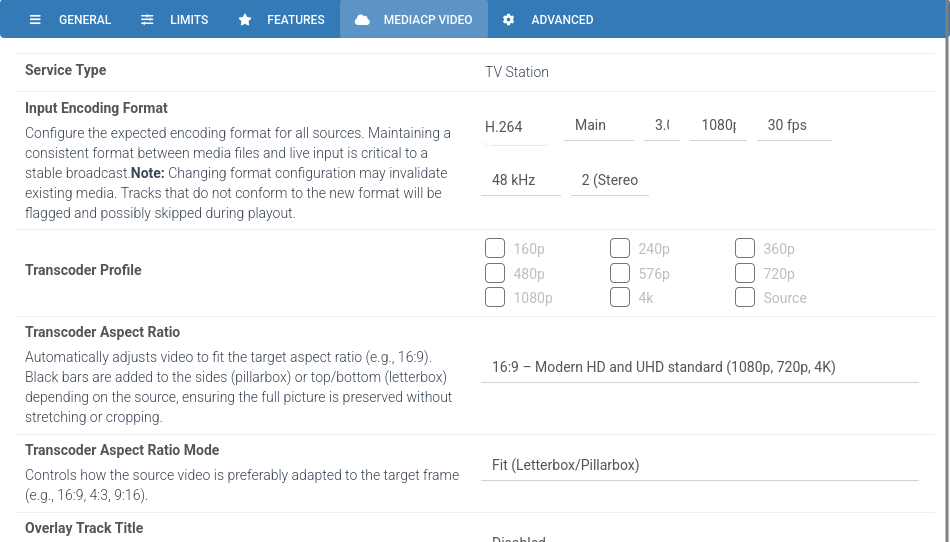
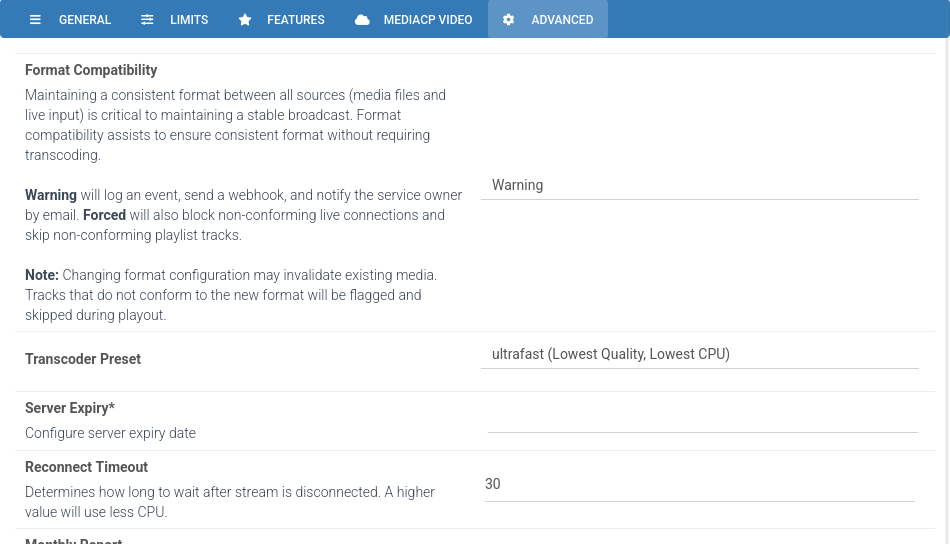
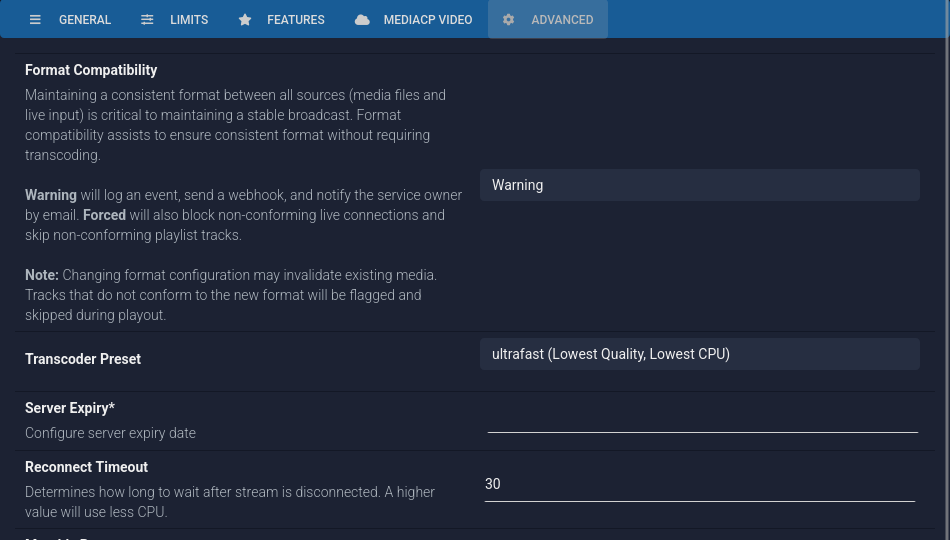
You decide how strictly your channel enforces format rules.
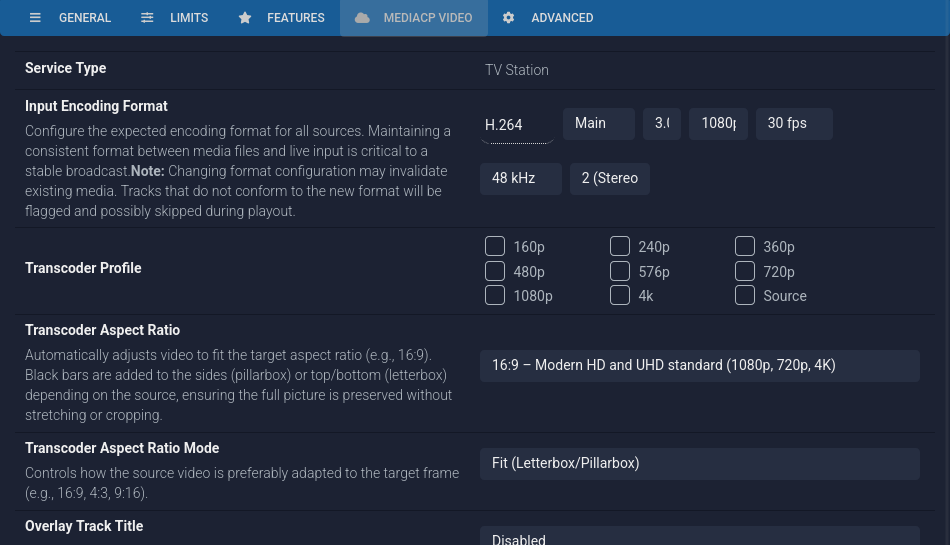
Inconsistent media is the number one cause of stream failures. Set the rules once and MediaCP ensures all media is compliant, allowing your channel to run seamlessly without transcoding.
Optional Format Compatibility of None, Warning, or Forced
Invalid media flagged in playlists and skipped during playout to ensure seamless experience
Blocks invalid live encoder connection
Email, webhook and stream event alerts when something's off
Channels ship automatically with a Sample.mp4 in the quality selected
Your channel no longer needs to run around the clock.
Leave the default playlist empty and broadcast only when your schedule says so.
Start and stop channels on schedule, no manual restarts
Loop and Overrun controls for scheduled events
Built for VOD-to-Live and timed social media publishing
Run your broadcast in the moment.
See exactly what’s playing and change course instantly.
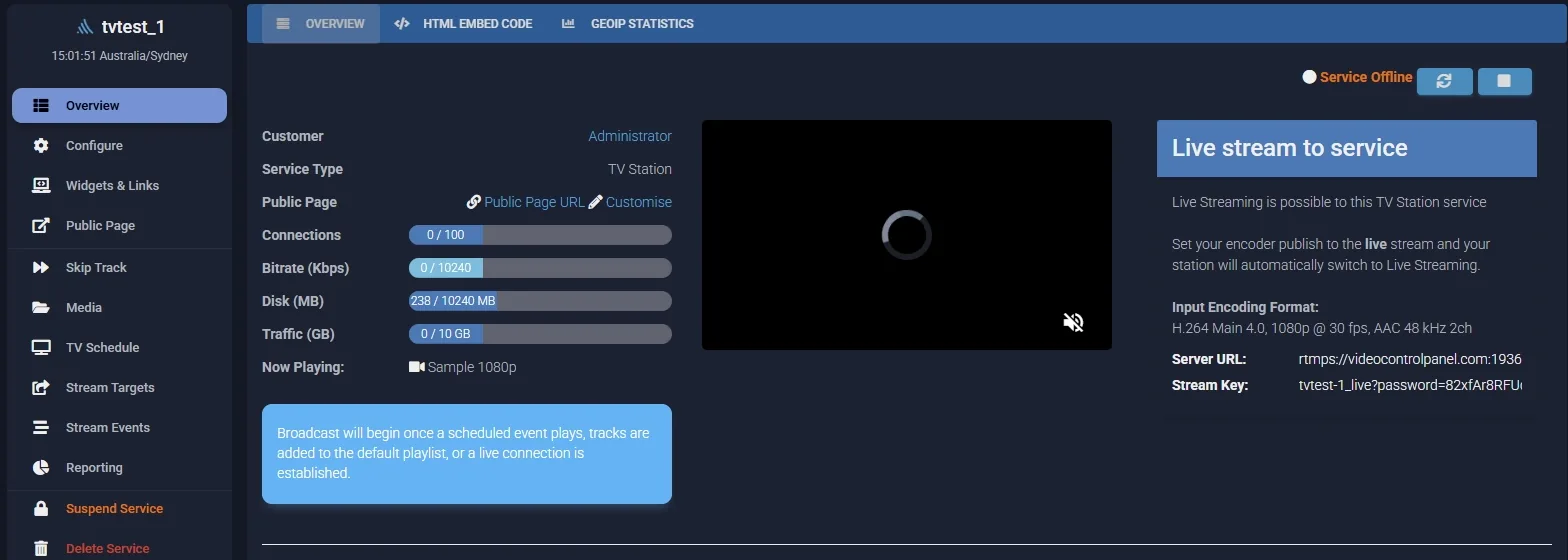
Current track displayed on the service overview and in the API
Skip track from the sidebar, mid-broadcast
Fresh installs now ship with a 1080p sample video
Simulcasting
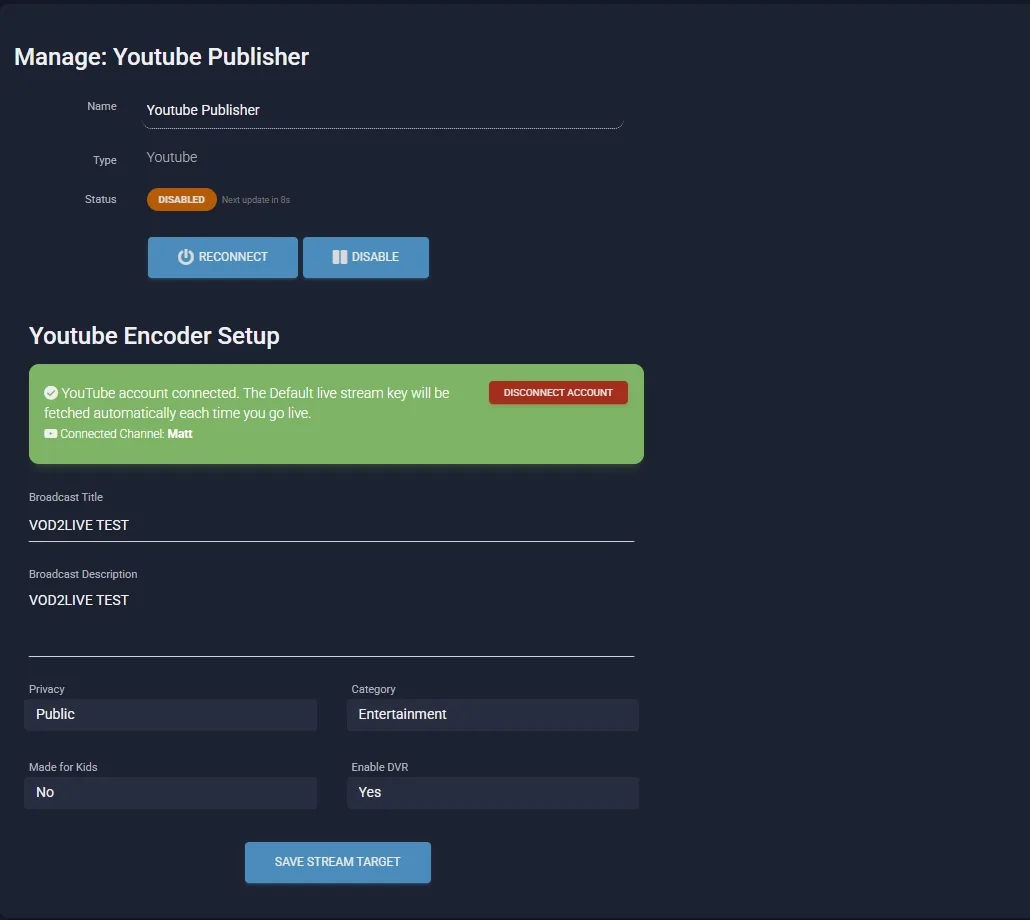
Go live on YouTube, natively
Connect a TV channel to YouTube in one click. MediaCP fetches your server URL and stream key automatically, so going live takes seconds instead of a copy-paste ritual. Supports integration with your own Google Cloud app.
Stream Targets
Stream targets, under control
Managing dozens of stream targets one at a time is over. Sort your targets, select as many as you need, and start, reconnect, stop, disable or delete them all in a single action.
Radio
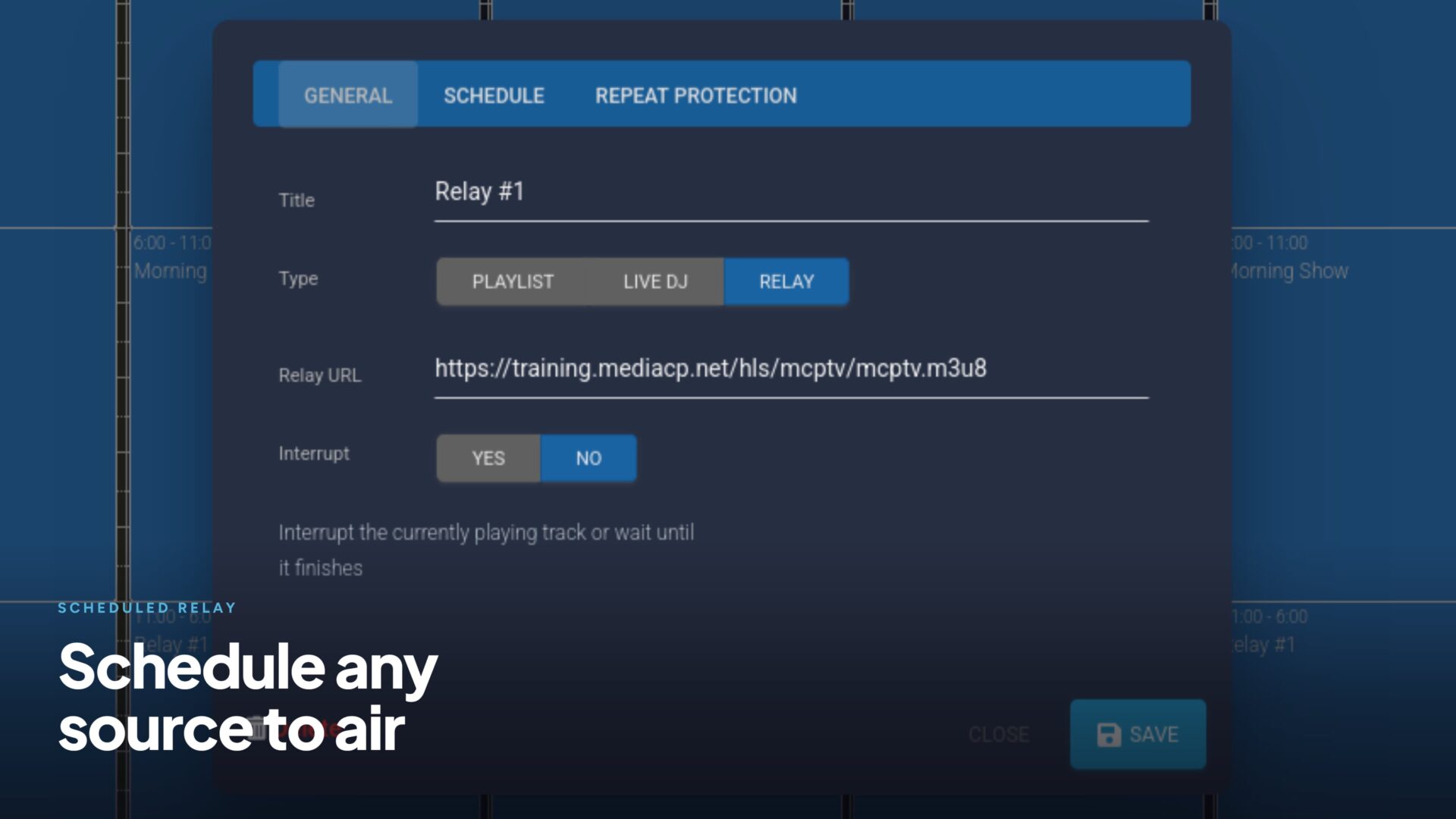
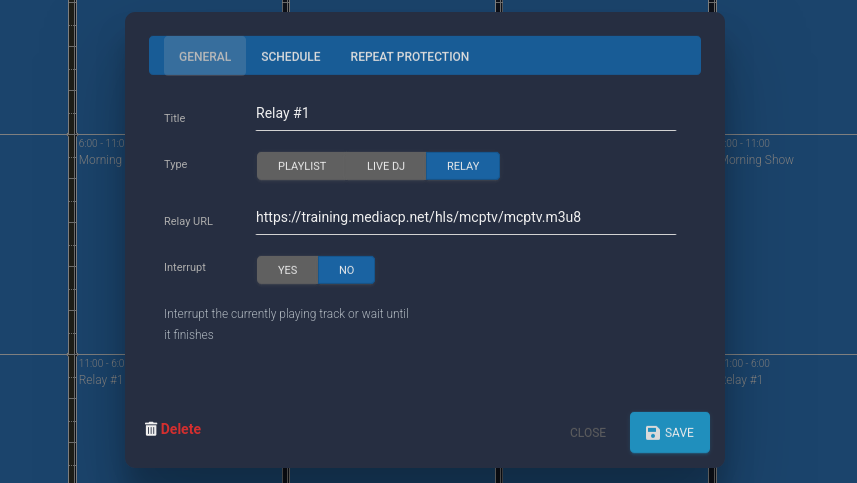
Relay anything, on schedule
Radio stations can now schedule almost any external source to broadcast automatically. Live RTMP broadcasts, Shoutcast and Icecast streams, audio and video files, and M3U playlists all plug straight into your schedule. Syndicated shows, network feeds and remote broadcasts run themselves.
RTMP Broadcasts
Shoutcast
Icecast
Audio & Video Files
M3U Playlists
1
Scheduled relays. Set your source and time, and MediaCP does the rest. Every source is validated on save and again on play, so dead air never makes it to your listeners. Video sources even have their audio extracted automatically.
2
Priority interrupts. Priority jingles and scheduled content can break into a relay, play, then hand back automatically. Ad insertion over syndicated content, no manual intervention required.
Security
Secure streaming by default
Every new video installation now accepts encrypted RTMPS input on port 1936, straight out of the box. Your broadcasters’ streams are protected in transit with SSL, with zero extra configuration and full backward compatibility on the legacy RTMP port.
rtmps://your-panel:1936 · SSL in transit · zero configuration
Security shouldn’t be a setting you have to find. In 2.16, it’s simply the default.