

Home » User Manual – Cloud Video » Video Players
Last updated 4 months ago
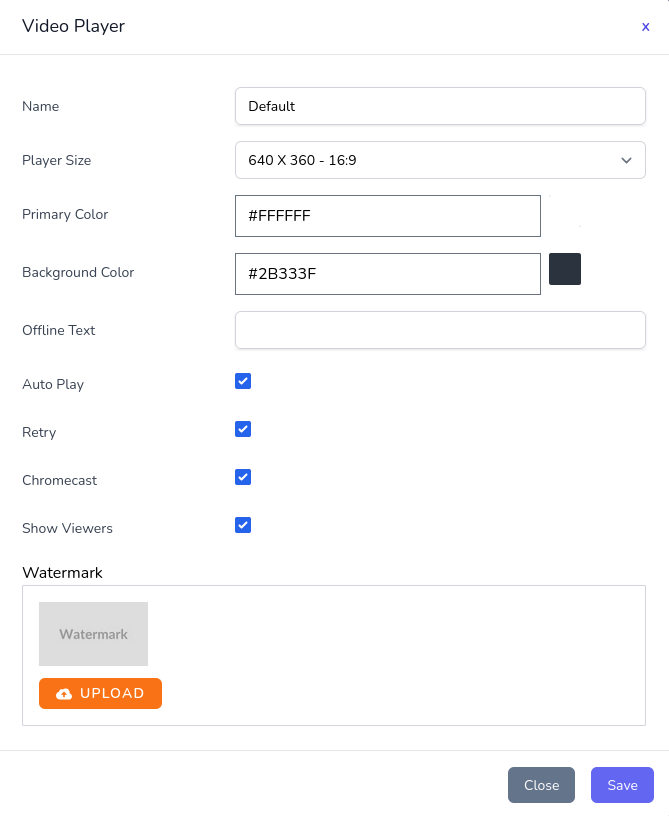
Customers are provide with a default video player configuration. This can be configured or additional players can be created to better fit each channel. Selecting Video Players on the sidebar will bring you to the management interface. From there the Add Video Player button will allow you to create a new player.
The configuration interface allows the players name, size, UI color, background, offline text and features to be configured as needed.
The built in player includes support for auto play, retry, chromecast, watermark and viewer count.
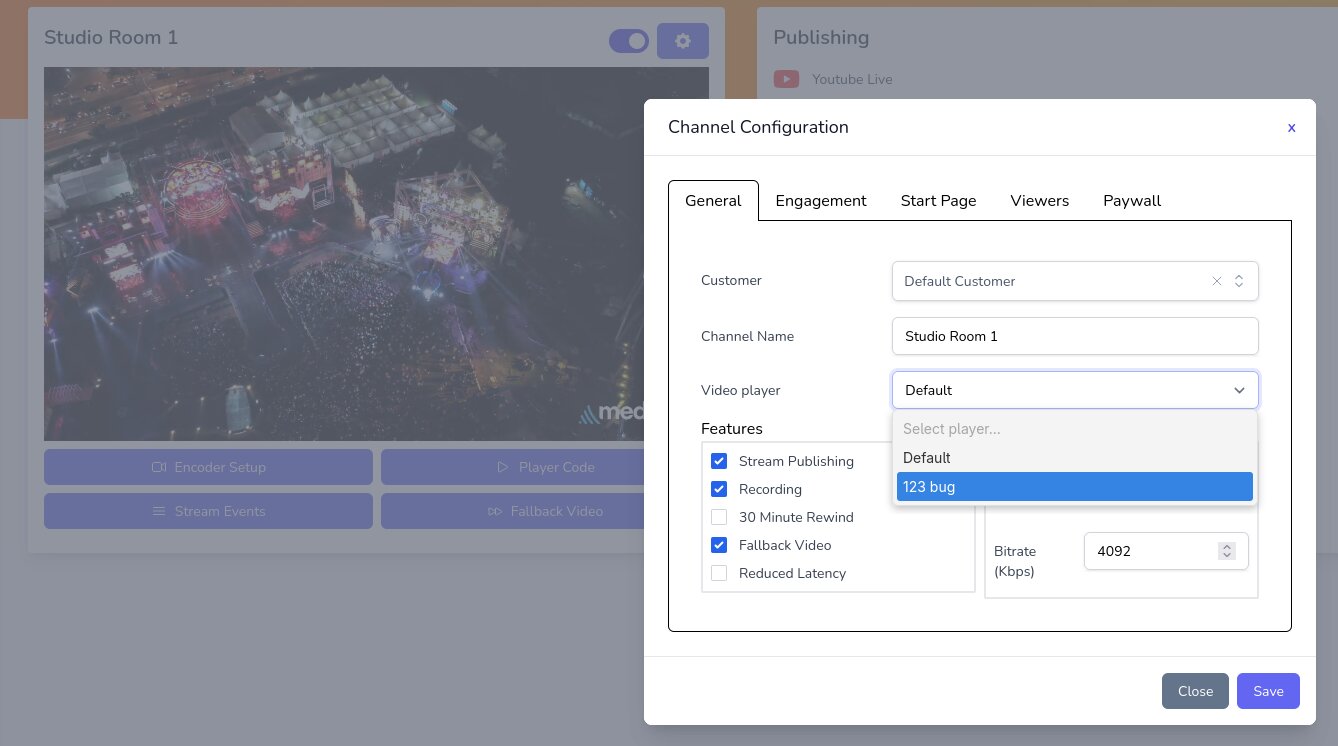
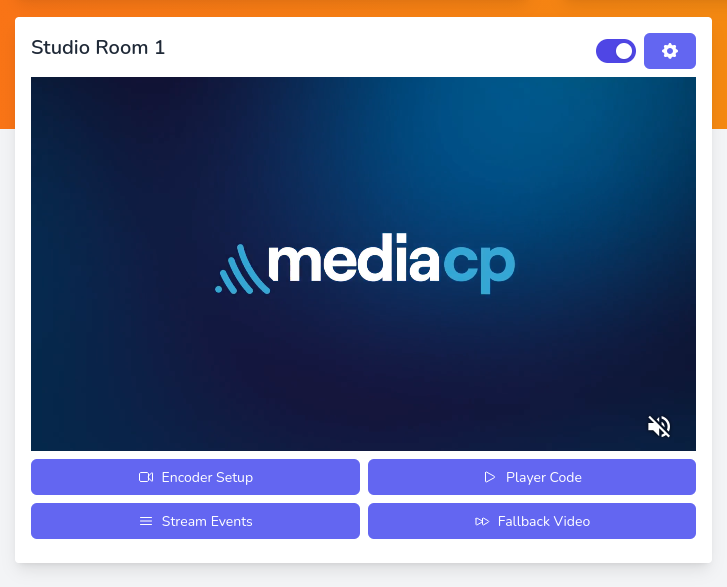
Channels can be configured to use the default player or any of the additional players created. This can be selected at the time of channel creation or at any time by selecting the Channel Configuration Cog and setting the Video player option.
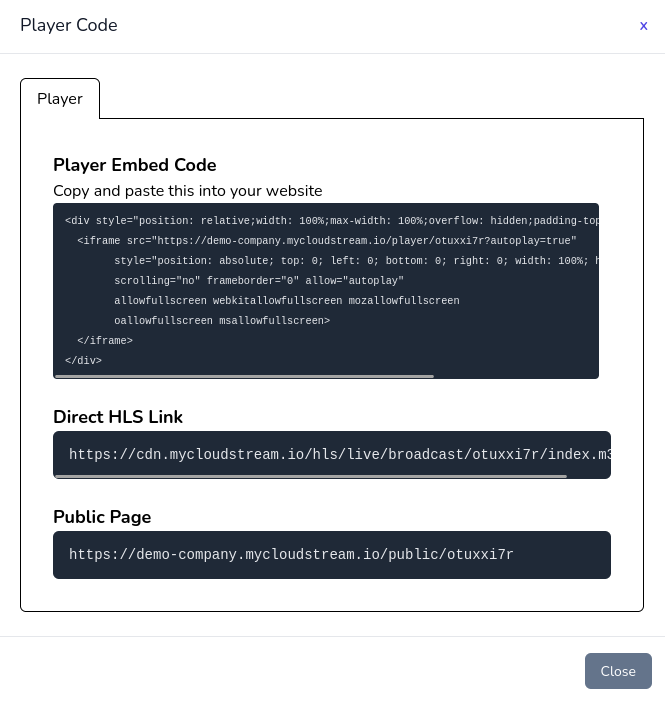
On your channels you can grab the embed code for the channels player by selecting Player Code and copy and pasting the player embed code on your website.