

Home » Video Operation Manual » Video Stream Events
Last updated 2 months ago
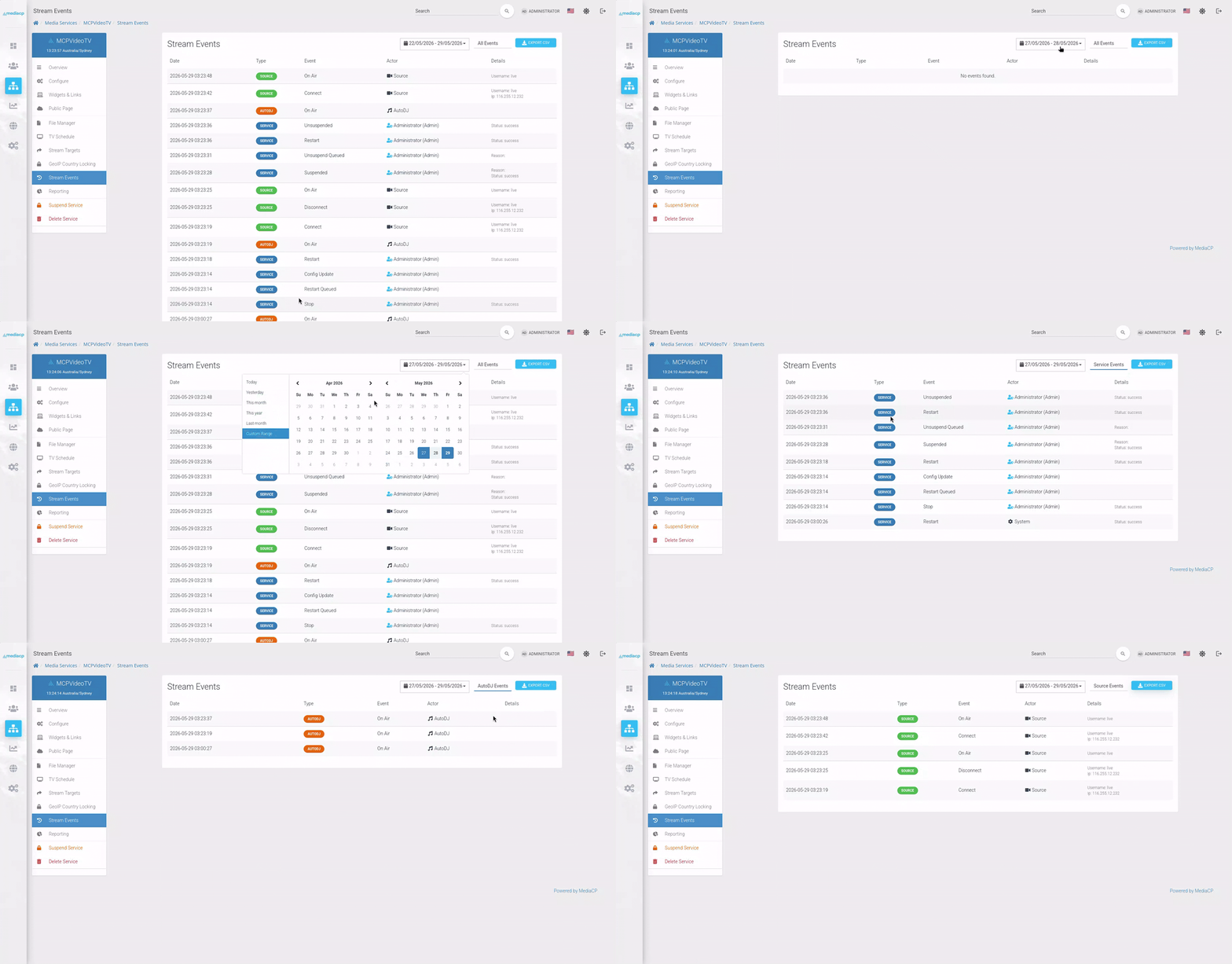
Stream Events is a real-time event logging system for the Media Control Panel. Every action across the streaming services, from a encoder connecting live to an automated suspension, is captured, timestamped, and stored in a filterable log accessible on each service.
Each service also shows a Stream Events item the Media Service side menu, providing access to logs scoped to that service. Stream Events captures a comprehensive range of activity, including:
Every logged event records the user, DJ, or system responsible for the action.
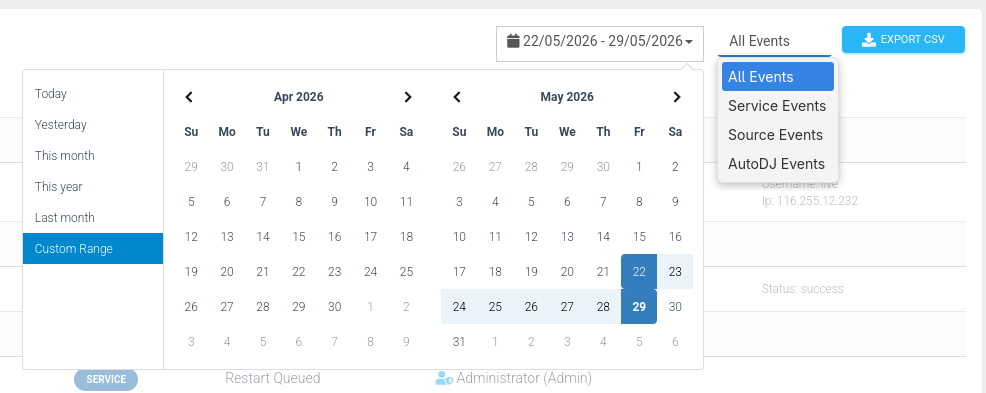
Events can be filtered by category; All Events, Service Events, Source Events, and AutoDJ Events as well as by date range making it easy to monitor and find the exact events you are looking for.
Looking to share logs or run your own analysis? The Export CSV button lets you download the current filtered view, including service and customer information when used from the global admin panel.
To maintain performance logs are automatically retained for 30 days, after which they are cleaned up by the daily maintenance task. This keeps your database lean without sacrificing meaningful historical visibility.
Stream Events is fully accessible via the MediaCP API:
/controller/EventLog/controller/EventLog/{id}Both endpoints support filtering by event type, service ID, and pagination, and return structured JSON responses including logs, total, page, and totalPages, along with formatted model attributes. Full documentation is available in our Postman API Docs.